Icon Description
NOTE: A wireless network must be set up before a wireless connection is possible.
Turns the airplane mode and wireless feature on or o.
NOTE: The airplane mode key is also referred to as the wireless button.
NOTE: A wireless network must be set up before a wireless connection is possible.
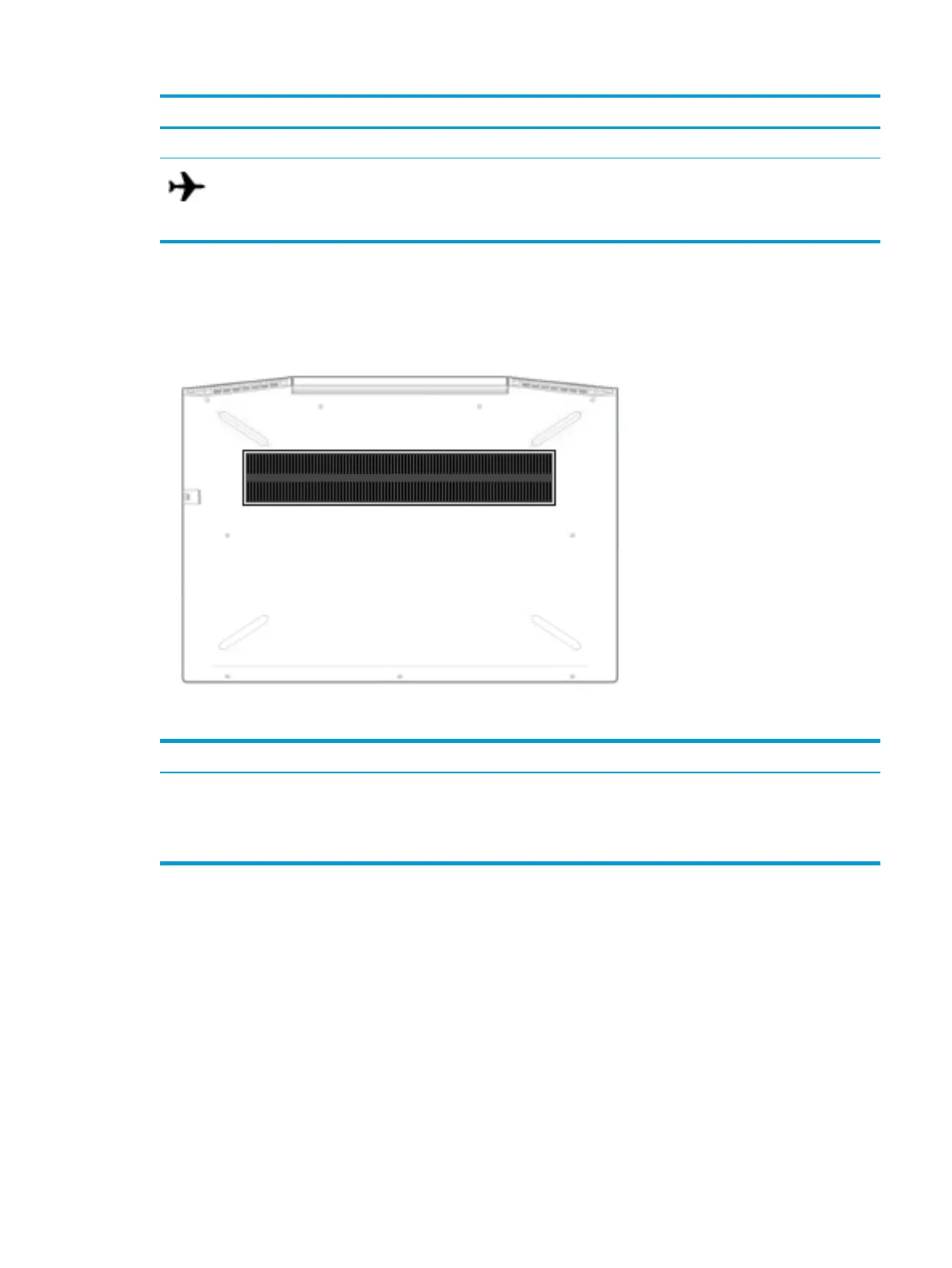
Bottom
Component Description
Vent Enables airow to cool internal components.
NOTE: The computer fan starts up automatically to cool internal components
and prevent overheating. It is normal for the internal fan to cycle on and o
during routine operation.
Bottom 13


 To Next Page
 Loading...