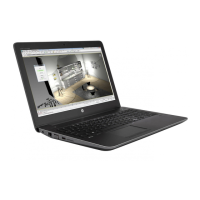
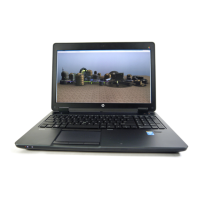
Component Description
that applies to your country or region. To access this guide in Windows 8.1, from the Start screen, type support, and then select the
HP Support Assistant app.
To access this guide in Windows 10, select the Start button, select All apps, select HP Help and Support, and then select HP
Documentation.
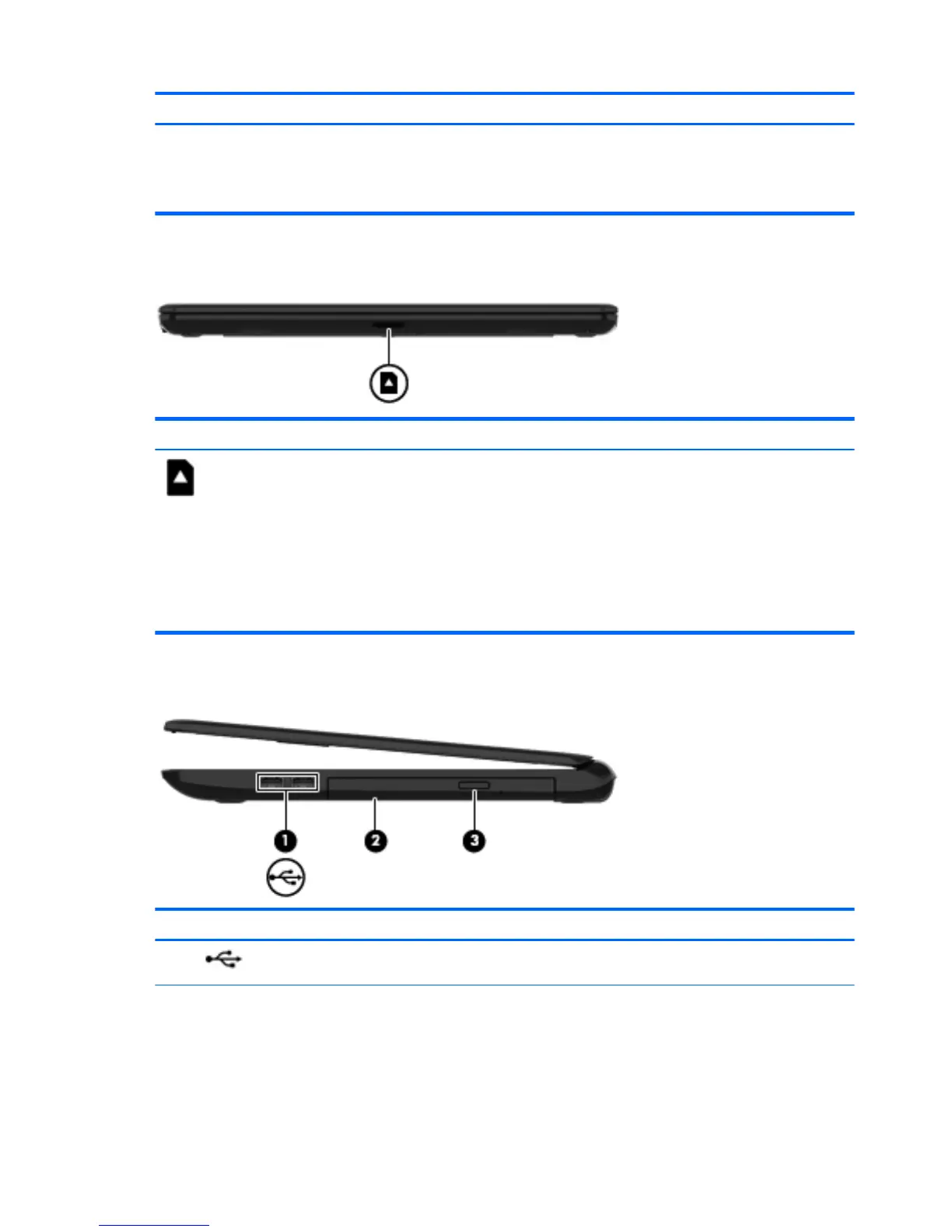
Front
Component Description
Memory card reader Reads optional memory cards that store, manage, share,
or access information.
To insert a card:
Hold the card label-side up, with connectors facing the
slot, insert the card into the slot, and then push in on the
card until it is rmly seated.
To remove a card:
Pull the card out of the slot.
Right side
Component Description
(1) USB 2.0 ports (2) Connect an optional USB device, such as a keyboard,
mouse, external drive, printer, scanner or USB hub.
(2) Optical drive (select models only) Depending on your computer model, reads an optical
disc or reads and writes to an optical disc.
6 Chapter 2 External component identication


 To Next Page