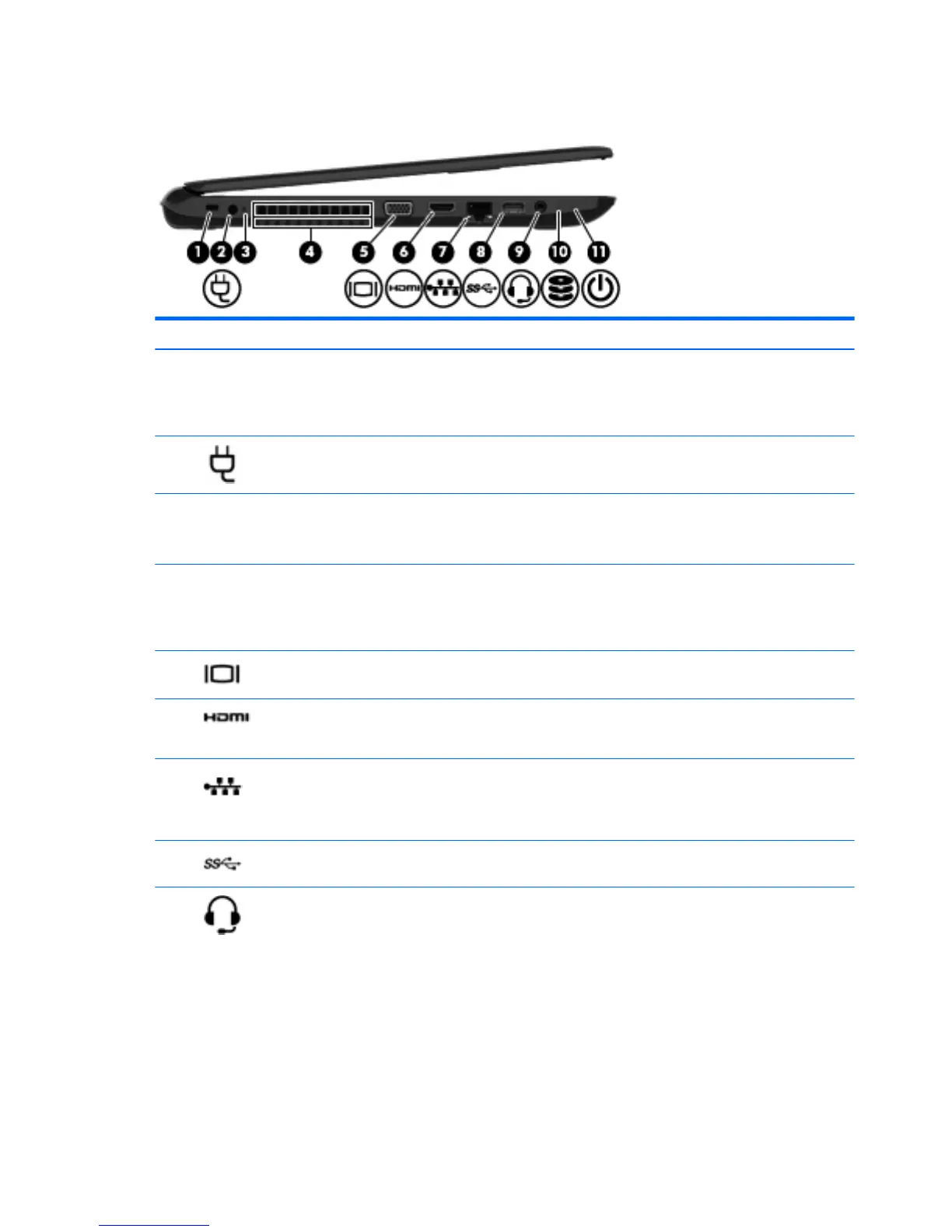
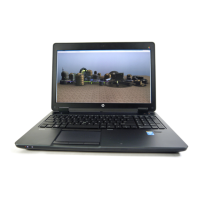
Left side
Component Description
(1) Security cable slot Attaches an optional security cable to the computer.
NOTE: The security cable is designed to act as a deterrent, but
it may not prevent the computer from being mishandled or
stolen.
(2) Power connector Connects an AC adapter.
(3) AC adapter light
●
On: The AC adapter is connected and the battery is
charged.
●
O: The computer is using battery power.
(4) Vent Enables airow to cool internal components.
NOTE: The computer fan starts up automatically to cool
internal components and prevent overheating. It is normal for
the internal fan to cycle on and o during routine operation.
(5) External monitor port (select models only) Connects an external VGA monitor or projector.
(6) HDMI port Connects an optional video or audio device, such as a high-
denition television, any compatible digital or audio component,
or a high-speed HDMI device.
(7) RJ-45 (network) jack/status lights Connects a network cable.
●
White: The network is connected.
●
Amber: Activity is occurring on the network.
(8) USB 3.0 port Connects an optional USB device, such as a keyboard, mouse,
external drive, printer, scanner or USB hub.
(9) Audio-out (headphone)/Audio-in (microphone)
jack
Connects optional powered stereo speakers, headphones,
earbuds, a headset, or a television audio cable. Also connects an
optional headset microphone. This jack does not support
optional microphone-only devices.
8 Chapter 2 External component identication



 To Next Page