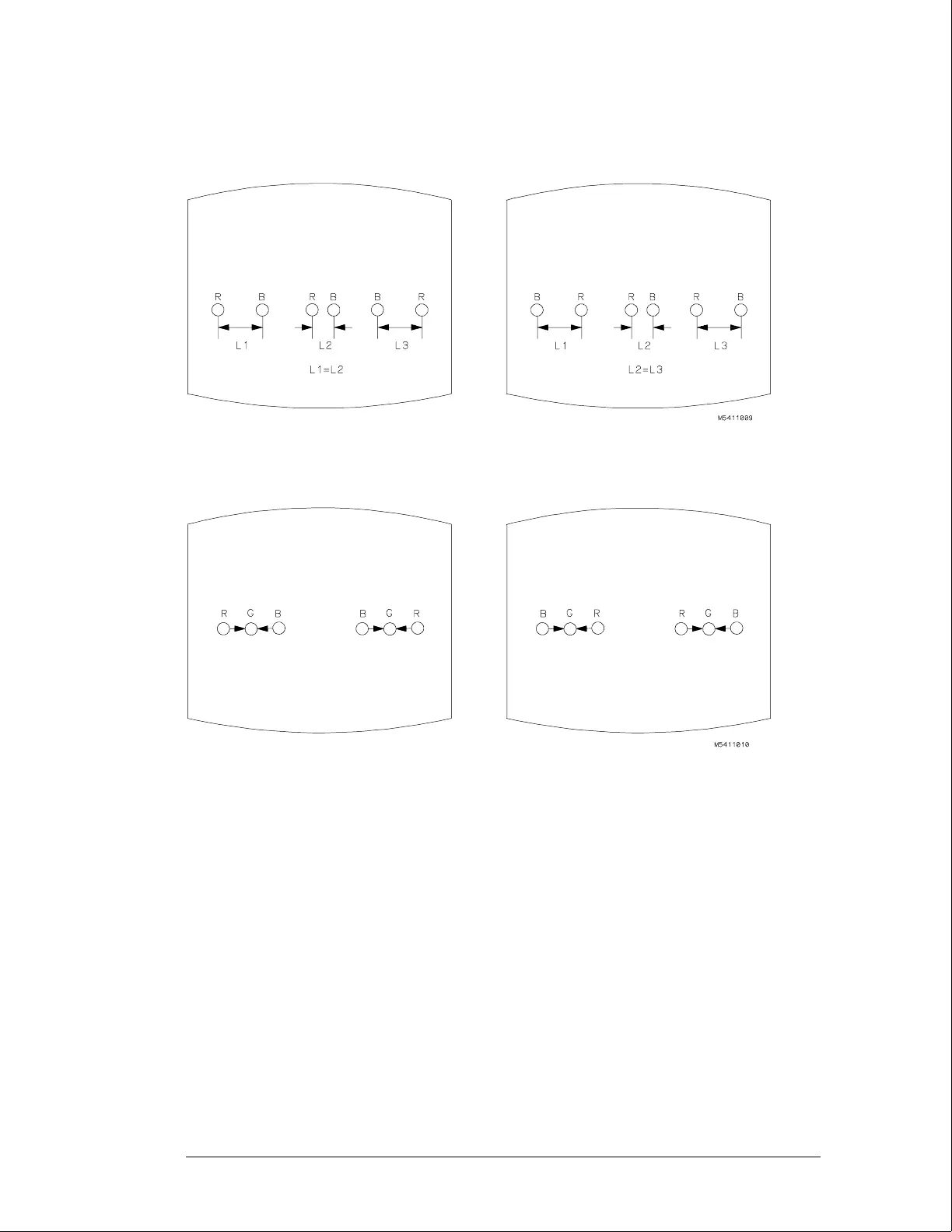
5 Adjust H.AMP (RV807) located on the bottom PC board for equal amounts of
misconvergence at the right and left sides of the screen.
6 Adjust H.TILT (RV806) located on the bottom PC board for coincidence of red,
green, and blue at the right and left sides of the screen.
7 If you are finished with the CRT adjustments, replace the fans.
If you need to adjust the white balance, which is the next procedure, you will
replace the fans after completing that procedure.
Calibrating and Adjusting
To adjust focus, landing, and convergence
4–12



 To Next Page
 Loading...