EasyManua.ls Logo

HP 1740A - Special Display Modes (X-Y, Single Sweep)

HP 1740A
20 pages
Print Icon
To Previous Page IconTo Previous Page

Loading...
Operation
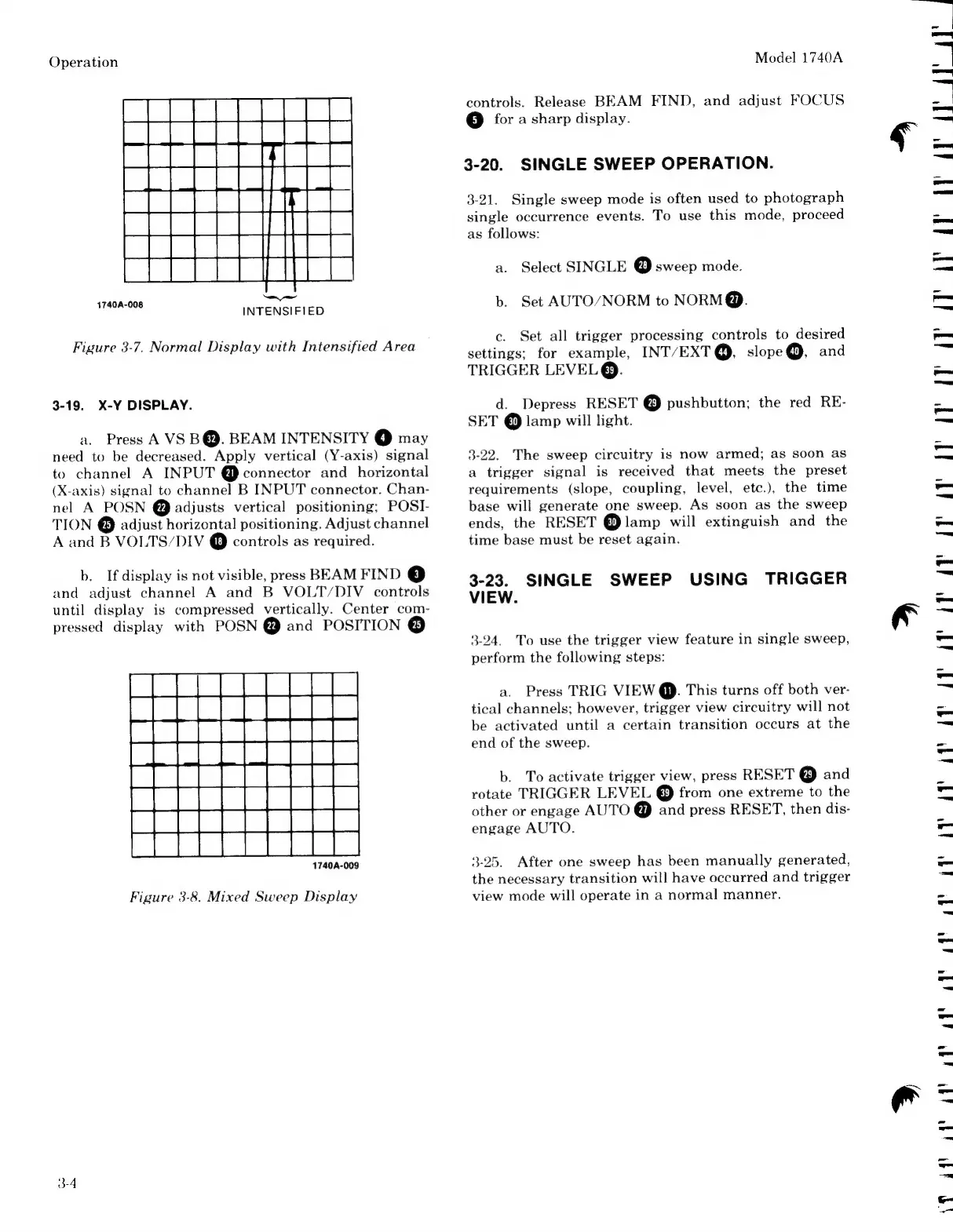
1740A-008
INTENSIFIED
Figure
3-7.
Normal
Display
with
Intensified
Area
3-19.
X-Y
DISPLAY.
a.
Press
A
VS
B@.
BEAM
INTENSITY
@
may
need
to
be
decreased.
Apply
vertical
(Y-axis)
signal
to
channel
A
INPUT
@
connector
and
horizontal
(X-axis)
signal
to
channel
B
INPUT
connector.
Chan-
nel
A
POSN
@
adjusts
vertical
positioning;
POSI-
TION
©
adjust
horizontal
positioning.
Adjust
channel
A
and
B
VOLTS/DIV
@
controls
as
required.
b.
If
display
is
not
visible,
press
BEAM
FIND
C3)
and
adjust
channel
A
and
B
VOLT/DIV
controls
until
display
is
compressed
vertically.
Center
com-
pressed
display
with
POSN
@
and
POSITION
©
1740A-009
Figure
3-8.
Mixed
Sweep
Display
3-4
Model
1740A
controls.
Release
BEAM
FIND,
and
adjust
FOCUS
5)
for
a
sharp
display.
3-20.
SINGLE
SWEEP
OPERATION.
3-21.
Single
sweep
mode
is
often
used
to
photograph
single
occurrence
events.
To
use
this
mode,
proceed
as
follows:
a.
Select
SINGLE
©
sweep
mode.
b.
Set
AUTO/NORM
to
NORM@.
c.
Set
all
trigger
processing
controls
to
desired
settings;
for
example,
INT/EXT@,
slope@,
and
TRIGGER
LEVEL
©.
d.
Depress
RESET
©
pushbutton;
the
red
RE-
SET
30)
lamp
will
light.
3-22.
The
sweep
circuitry
is
now
armed;
as
soon
as
a
trigger
signal
is
received
that
meets
the
preset
requirements
(slope,
coupling,
level,
etc.),
the
time
base
will
generate
one
sweep.
As
soon
as
the
sweep
ends,
the
RESET
@
lamp
will
extinguish
and
the
time
base
must
be
reset
again.
3-23.
SINGLE
SWEEP
USING
TRIGGER
VIEW.
3-24.
To
use
the
trigger
view
feature
in
single
sweep,
perform
the
following
steps:
a.
Press
TRIG
VIEW
@.
This
turns
off
both
ver-
tical
channels;
however,
trigger
view
circuitry
will
not
be
activated
until
a
certain
transition
occurs
at
the
end
of
the
sweep.
b.
To
activate
trigger
view,
press
RESET
®
and
rotate
TRIGGER
LEVEL
@
from
one
extreme
to
the
other
or
engage
AUTO
@
and
press
RESET,
then
dis-
engage
AUTO.
3-25.
After
one
sweep
has
been
manually
generated,
the
necessary
transition
will
have
occurred
and
trigger
view
mode
will
operate
in
a
normal
manner.
|
17
an
44)

Related product manuals