EasyManua.ls Logo

HP 3326A - Accessories Available; Operating Environment; Instrument Cooling

HP 3326A
16 pages
Print Icon
To Next Page IconTo Next Page
To Previous Page IconTo Previous Page
Loading...
Operating
Environment/Cooling
ACCESSORIES
AVAILABLE
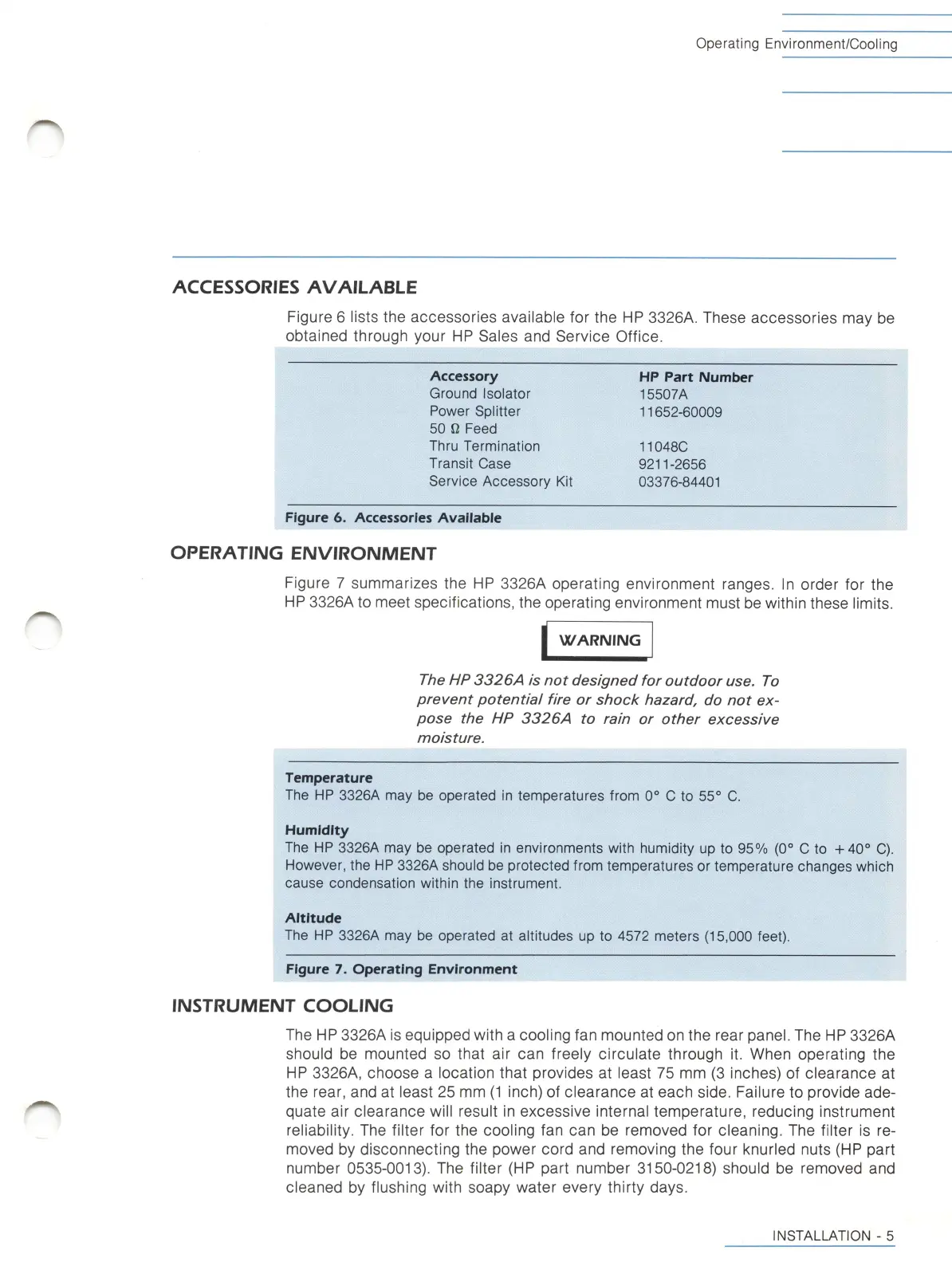
Figure
6
lists
the
accessories
available
for
the
HP
3326A.
These
accessories
may
be
obtained
through
your
HP
Sales
and
Service
Office.
Accessory
Ground
Isolator
Power
Splitter
50
n
Feed
Thru
Termination
Transit
Case
Service
Accessory
Kit
HP
Part
Number
15507A
11652-60009
110480
9211-2656
03376-84401
Figure
6.
Accessories
Avaiiabie
OPERATIIMG
EIMVIROIMMENT
Figure
7
summarizes
the
HP
3326A
operating
environment
ranges.
In
order
for
the
HP
3326A
to
meet
specifications,
the
operating
environment
must
be
within
these
l
imits.
WARNING
The
HP
3326A
is
not
designed
for
outdoor
use.
To
prevent
potential
fire
or
shock
hazard,
do
not
ex
pose
the
HP
3326A
to
rain
or
other
excessive
moisture.
Temperature
The
HP
3326A
may
be
operated
in
temperatures
from
0
to
55°
0.
Humidity
The
HP
3326A
may
be
operated
in
environments
with
humidity
up
to
95%
(0°
0
to
-i-40°
0).
However,
the
HP
3326A
should
be
protected
from
temperatures
or
temperature
changes
which
cause
condensation
within
the
instrument.
Aititude
The
HP
3326A
may
be
operated
at
altitudes
up
to
4572
meters
(15,000
feet).
Figure
7.
Operating
Environment
IIMSTRUMENT
COOLING
The
HP
3326A
is
equipped
with
a
cool
ing
fan
mounted
on
the
rear
panel.
The
HP
3326A
should
be
mounted
so
that
air
can
freely
circulate
through
it.
When
operating
the
HP
3326A,
choose
a
location
that
provides
at
least
75
mm
(3
inches)
of
clearance
at
the
rear,
and
at
least
25
mm
(1
inch)
of
clearance
at
each
side.
Failure
to
provide
ade
quate
air
clearance
will
result
in
excessive
internal
temperature,
reducing
instrument
rel
iabi
l
ity.
The
fi
lter
for
the
cool
ing
fan
can
be
removed
for
cleaning.
The
filter
is
re
moved
by
disconnecting
the
power
cord
and
removing
the
four
knurled
nuts
(HP
part
number
0535-0013).
The
filter
(HP
part
number
3150-0218)
should
be
removed
and
cleaned
by
flushing
with
soapy
water
every
thirty
days.
INSTALLATION
-
5

Related product manuals