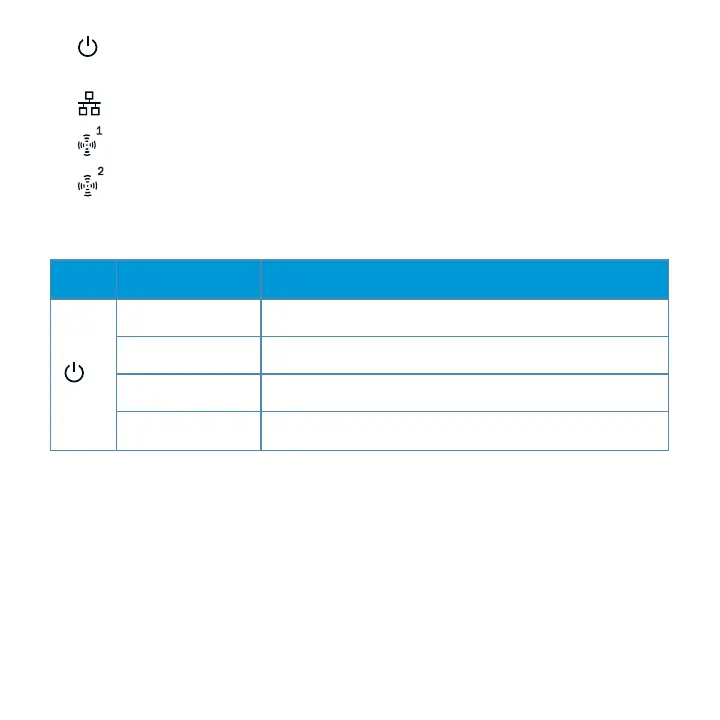
l : Indicates whether or not the HP 350 is powered on and shows basic system
status.
l : Indicates the status of the Ethernet port
l : Indicates the status of the 802.11a/n radio
l : Indicates the status of the 802.11b/g/n radio
LED Color/State Description
Off No power to AP or initial power-up
Red Error condition
Green - Flashing AP booting
Green - Steady AP ready
Table 1: LED descriptions
HP 350 Cloud-Managed 802.11n AP| Installation Guide 5











 To Next Page