Getting started 1-13
• Copied from another calculator.
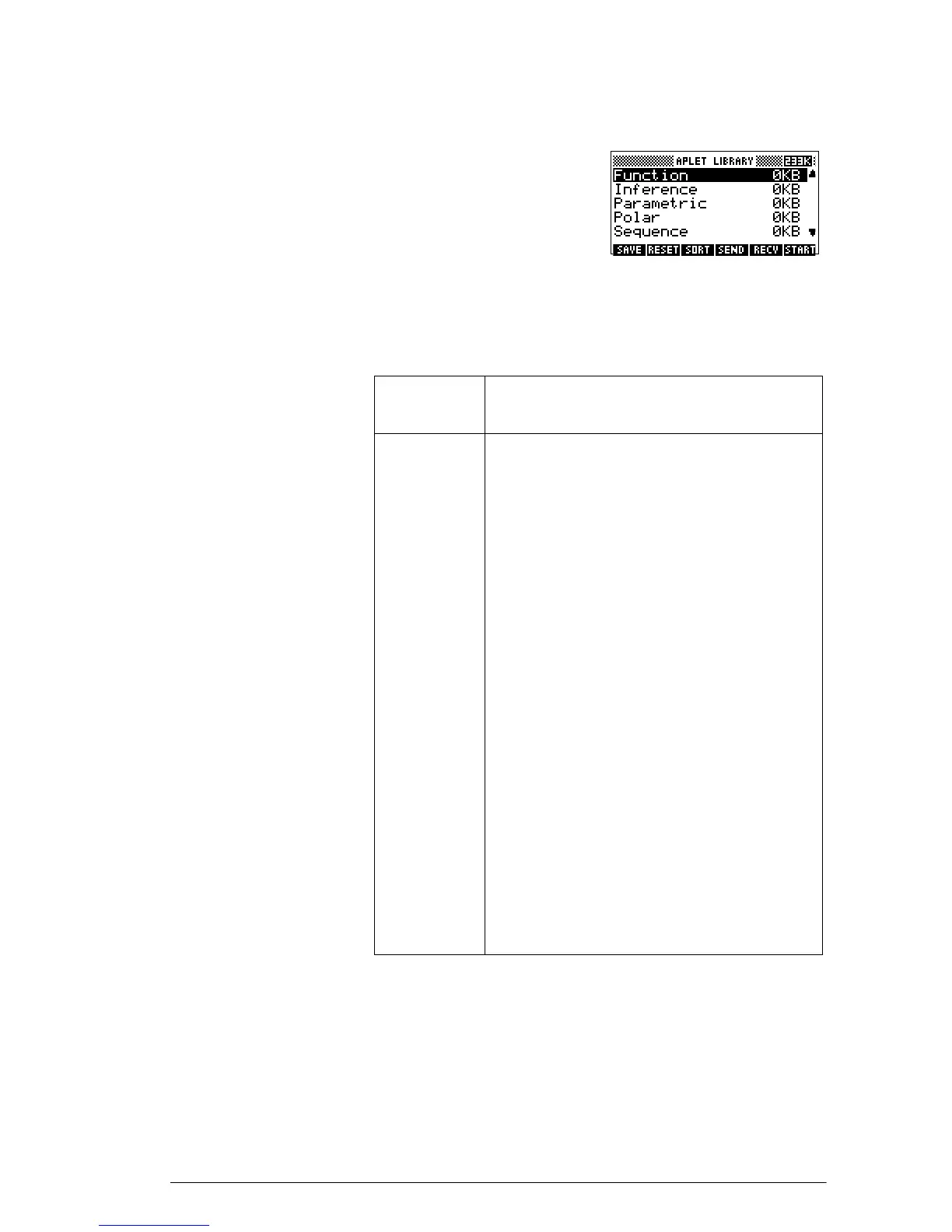
Aplets are stored in the Aplet
library. See “Aplet library”
on page 1-16 for further
information.
You can modify
configuration settings for the graphical, tabular, and
symbolic views of the aplets in the following table. See
“Aplet view configuration” on page 1-18 for further
information.
In addition to these aplets, which can be used in a variety
of applications, the hp 39g+ is supplied with two
teaching aplets: Quad Explorer and Trig Explorer. You
cannot modify configuration settings for these aplets.
Aplet
name
Use this aplet to explore:
Function Real-valued, rectangular functions y in
terms of x. Example: .
Inference Confidence intervals and Hypothesis
tests based on the Normal and
Students-t distributions.
Parametric Parametric relations x and y in terms of
t. Example: x = cos(t) and y = sin(t).
Polar Polar functions r in terms of an angle θ.
Example: .
Sequence Sequence functions U in terms of n, or
in terms of previous terms in the same or
another sequence, such as and
. Example: ,
and .
Solve Equations in one or more real-valued
variables. Example: .
Statistics One-variable (x) or two-variable (x and
y) statistical data.
y 2x
2
3x 5++=
r 24θ()cos=
U
n 1–
U
n 2–
U
1
0= U
2
1=
U
n
U
n 2–
U
n 1–
+=
x 1+ x
2
x–2–=



 To Next Page