HP 4120 Quick Start Guide
7
E
N
G
L
I
S
H
3. Connect the Type A (larger, rectangular) end of the USB
cable to a USB port on your computer and the Type B
(smaller, square) end of the USB cable to the A-B USB port
at the back of the phone.
NET PC
5V DC
A-B
USB Port
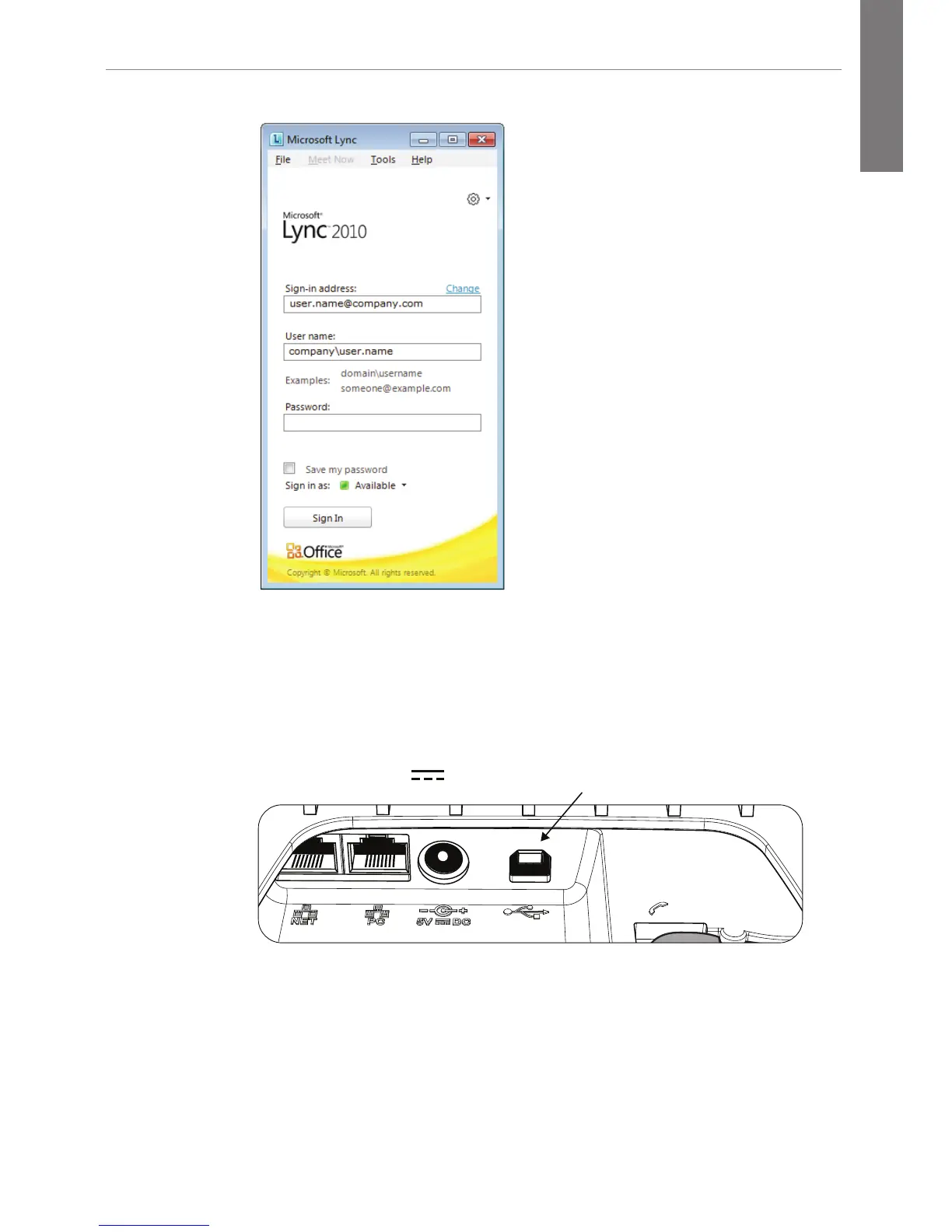
The connection is detected and you are prompted for your
credentials on your computer.
4. Enter your credentials.
The phone begins the sign-in process.





 To Next Page