HP 4120 Quick Start Guide
6
ENGLISH
E
N
G
L
I
S
H
Signing In
Sign in Using Lync 2010
If Microsoft® Lync™ 2010 communications software is installed on
your computer, you can simplify the phone sign-in process, and make
and receive Lync 2010 Phone Edition calls from your computer by
using the USB cable to connect your phone to your computer.
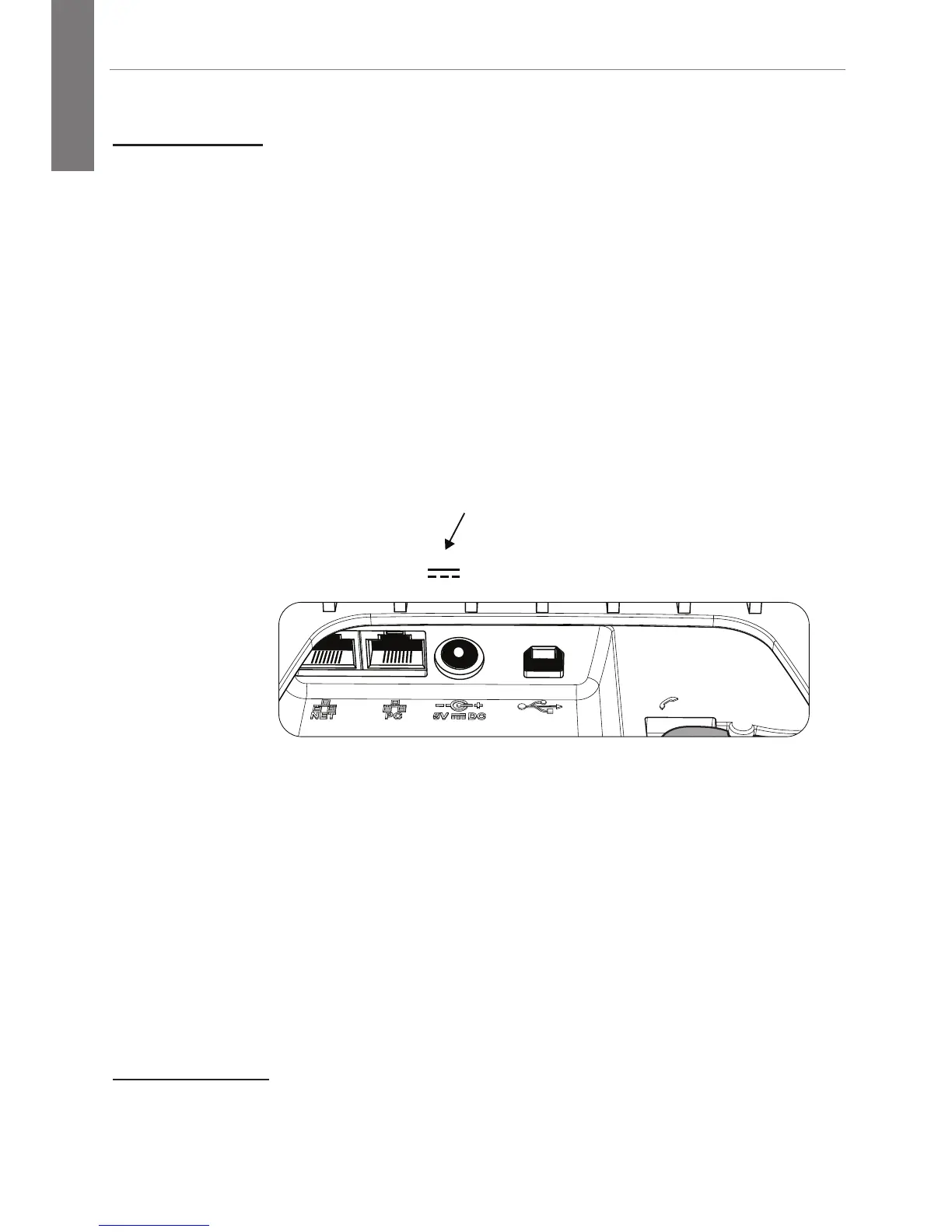
1. Establish your Ethernet connection using the NET (left-
most) port on the phone.
If you are not using PoE, also connect a Hewlett-Packard
(HP) 5V external power supply (J9767A)
1
to the phone.
If no PoE available
NET PC
5V DC
A-B
USB Port
2. Sign in to Lync on your computer.
1. The power supply (not shipped with the phone) can be ordered through your
HP sales representative. Power supply HP 5V (
J9767A) is the only power supply
covered under the HP warranty.





 To Next Page