HP 4120 Quick Start Guide
8
ENGLISH
E
N
G
L
I
S
H
Audio Device Settings
If you have already configured Lync 2010 to use another audio
device, for example a headset, you must change the selected device
in Lync.
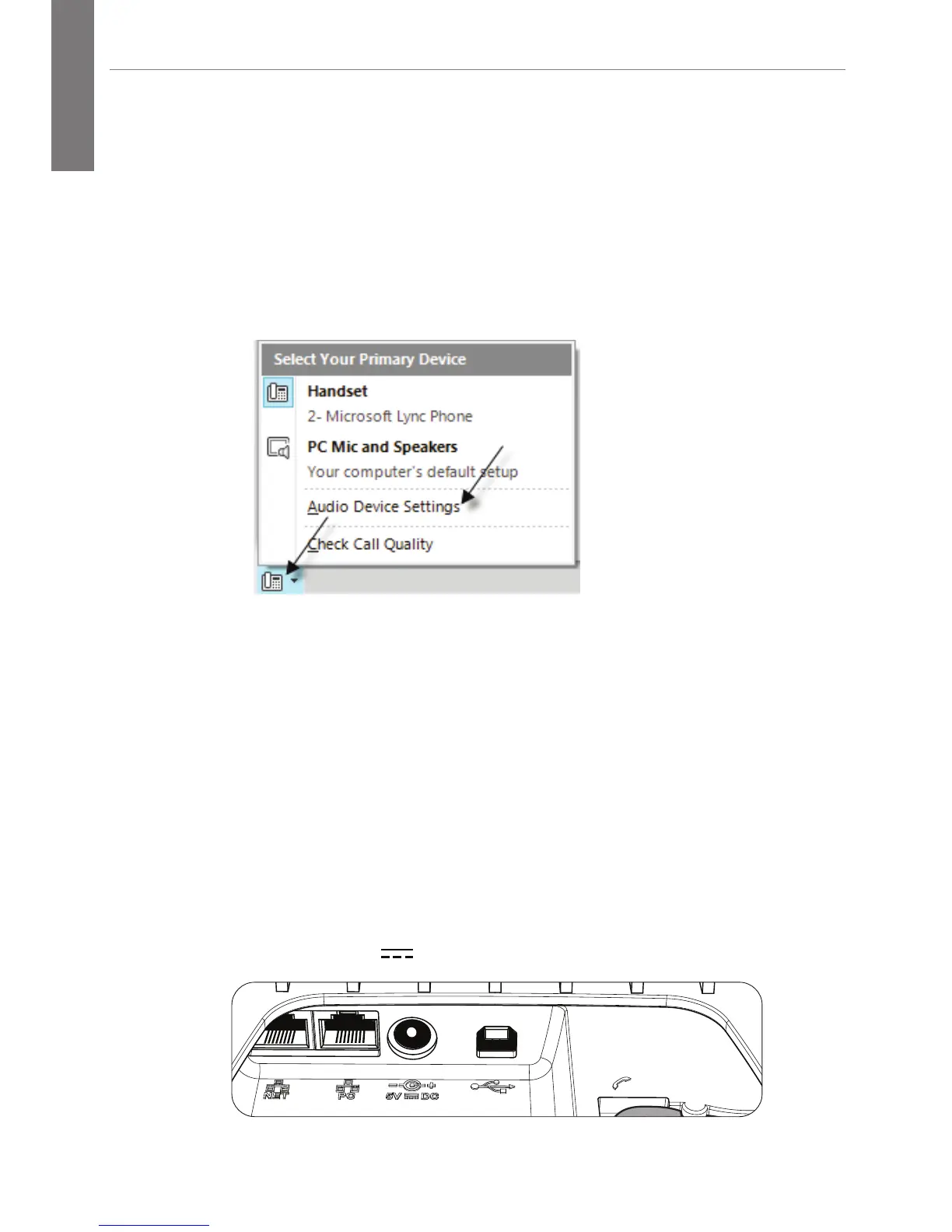
1. On your computer, open Lync.
2. On the lower left part of the Lync main window, click the
Primary Device icon.
3. Then click Audio Device Settings, and select Lync 2010 Phone
Edition as your audio device.
Sign in Using a PIN
If you do not have Lync installed on your computer, you can sign
in to Lync Phone Edition by using a sign-in personal identification
number (PIN). However, you will have limited access to certain
features, such as voice mail, calendar, and call logs, as well as
reduced functionality. (This method also requires that the Ethernet
cable be connected to the NET port on the phone.)
NET PC
5V DC
A-B
USB Port





 To Next Page