3/27/97 11:05 am Final version given to printer
...............................................................................................................
2-2
HP Company Confidential
Sending Faxes
Sending paper documents
Fax paper documents from the keypad anytime, or fax from the Doc-
ument Assistant screen on your computer when you want additional
fax options like attaching a cover sheet, or sending to more than one
location.
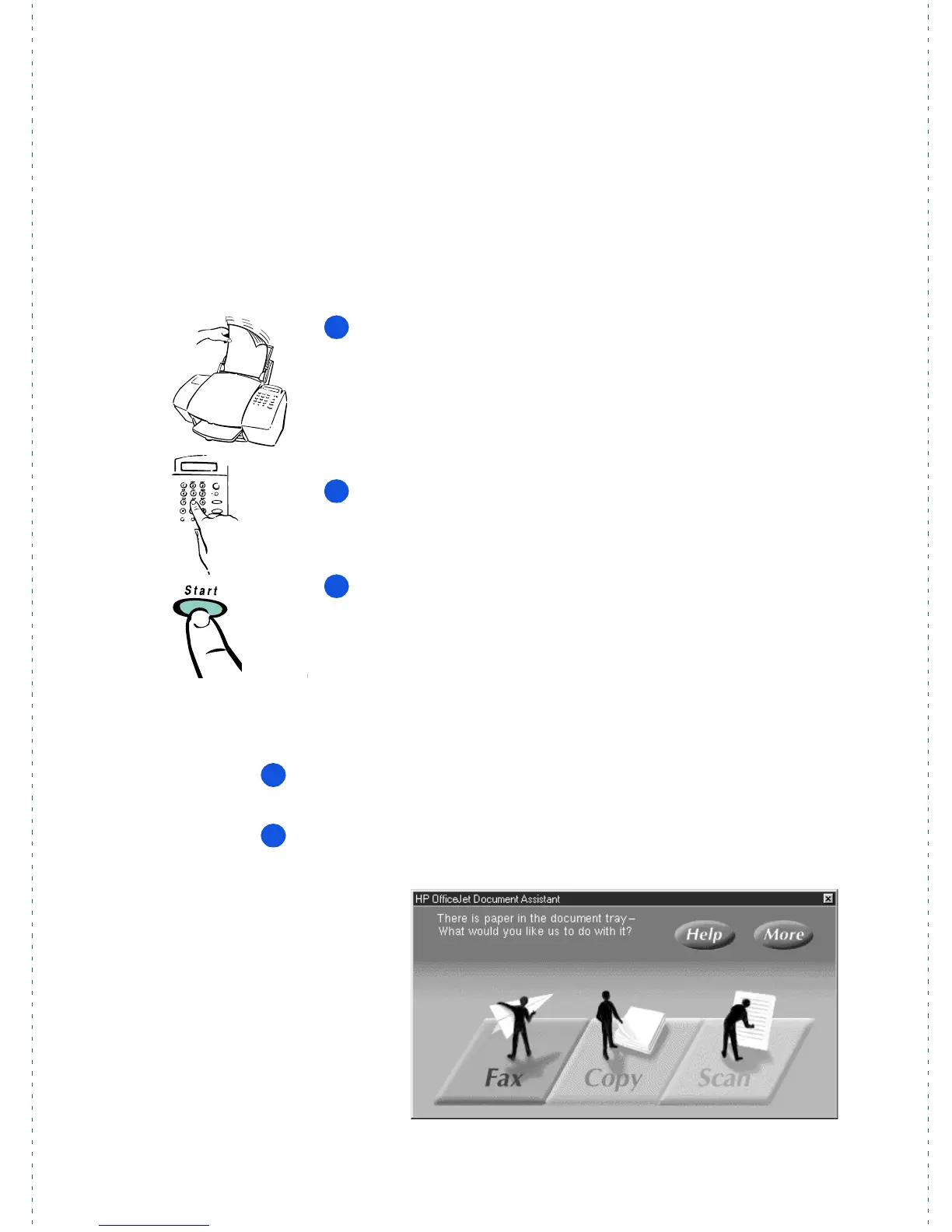
From the HP OfficeJet’s keypad
Load
your document top down in the document tray with
the printed side facing away from you (up to 20 pages). If nec-
essary, slide the document guides on the tray to the left or
right to adjust them for the width of your document.
Dial
the fax number on the HP OfficeJet’s keypad.
Press the
Start
button to begin faxing.
For information on redialing and other dialing methods, see
Chapter 3.
From the Document Assistant screen
Load
your document top down in the document tray with the
printed side facing away from you (up to 20 pages).
Look
at your computer screen! The Document Assistant asks you
what you want to do with the document you’ve loaded.
OJ-dialOJ
1
2
3
1
2
The Document Assistant
is displayed on your
computer when you
load your document into
the document tray.



 To Next Page