3/27/97 11:08 am Final version given to printer
...............................................................................................................
3-5
HP Company Confidential
3. Faxing
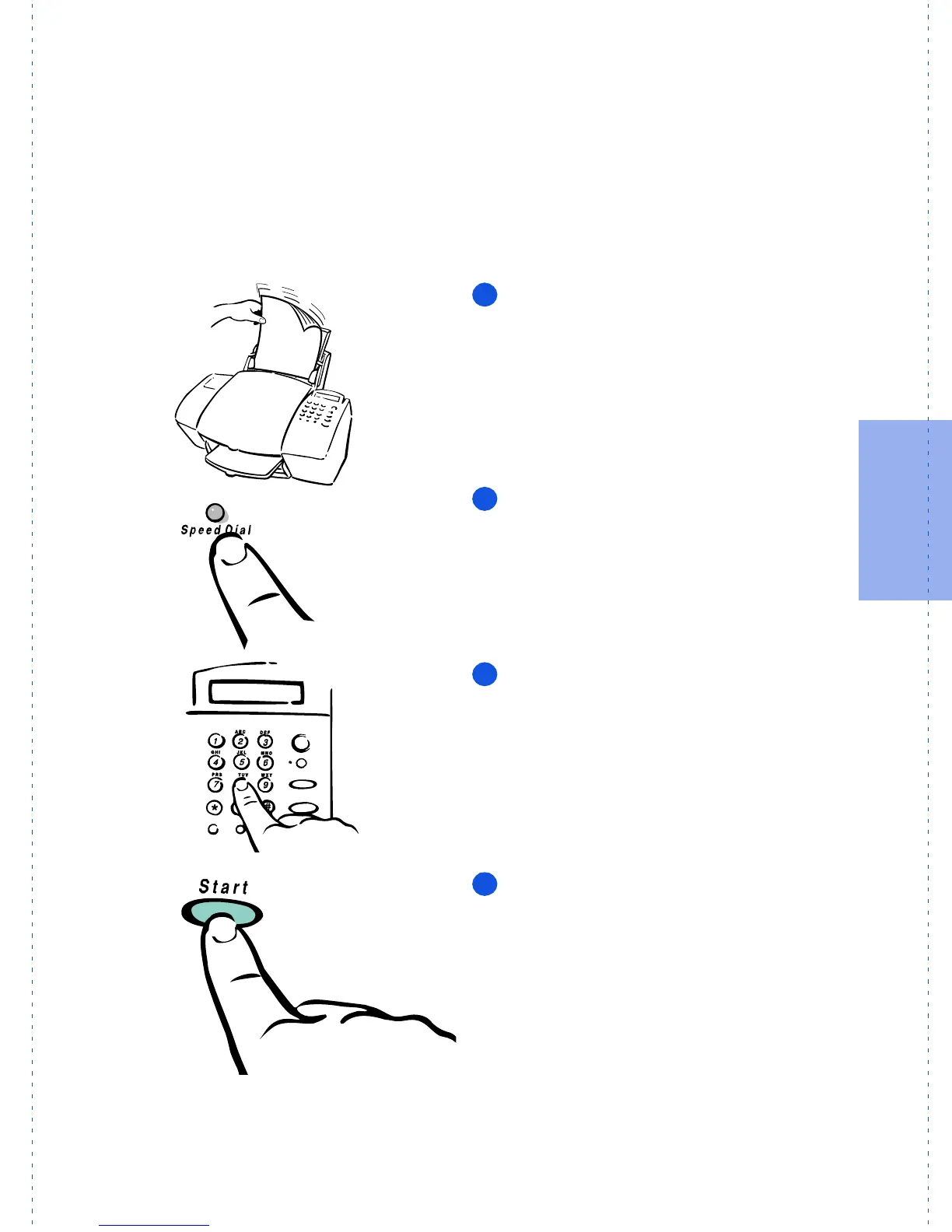
Speed dialing
Once you’ve assigned speed dial codes to your fax numbers using the
HP OfficeJet Manager software (look under “Advanced fax send fea-
tures” later in this chapter), you can quickly dial those numbers using
the
Speed Dial
button and a one- or two-digit speed dial code.
To speed dial:
Load
your document in the document
tray.
Press the
Speed Dial
button on the HP
OfficeJet’s keypad.
Dial the
1- or 2-digit speed dial code
.
Press the
Start
button on the HP Office-
Jet’s keypad.
OJ-dialOJ
1
2
3
4



 To Next Page