EasyManua.ls Logo

HP 54522A - Page 161

HP 54522A
292 pages
Print Icon
To Next Page IconTo Next Page
To Previous Page IconTo Previous Page
Loading...
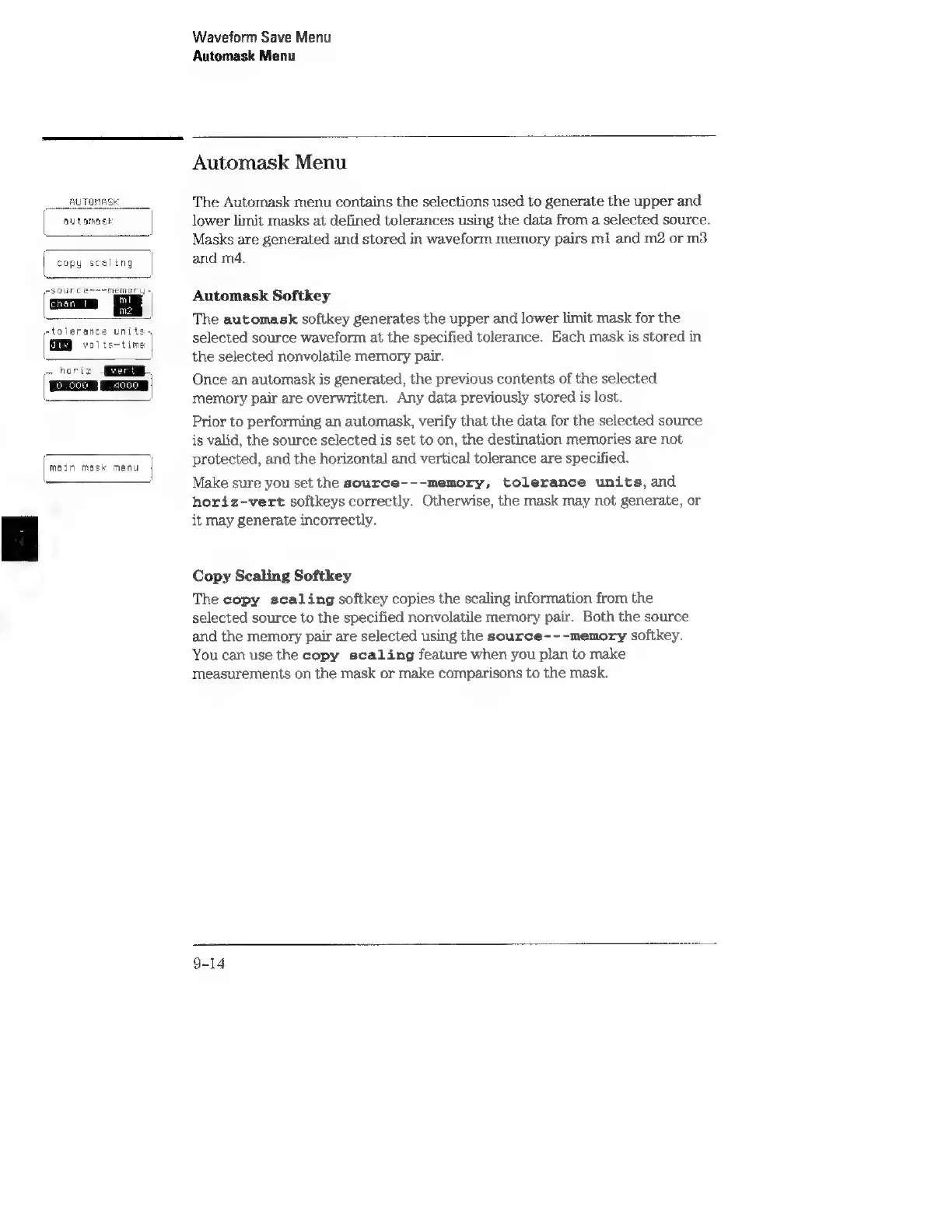
AUTOMASK
automask
copy
scaling
urce-~=memory
»
etolerance
units,
volts~time
~
hori:
Ei
main
mask
menu
Waveform
Save
Menu
Automask
Menu
Automask
Menu
The
Automask
menu
contains
the
selections
used
to
generate
the
upper
and
lower
limit
masks
at
defined
tolerances
using
the
data
from
a
selected
source.
Masks
are
generated
and
stored
in
waveform
memory
pairs
m1
and
m2
or
m3
and
m4.
Automask
Softkey
The
automask
softkey
generates
the
upper
and
lower
limit
mask
for
the
selected
source
waveform
at
the
specified
tolerance.
Each
mask
is
stored
in
the
selected
nonvolatile
memory
pair.
Once
an
automask
is
generated,
the
previous
contents
of
the
selected
memory
pair
are
overwritten.
Any
data
previously
stored
is
lost.
Prior
to
performing
an
automask,
verify
that
the
data
for
the
selected
source
is
valid,
the
source
selected
is
set
to
on,
the
destination
memories
are
not
protected,
and
the
horizontal
and
vertical
tolerance
are
specified.
Make
sure
you
set
the
source---memory,
tolerance
units,
and
horiz-vert
softkeys
correctly.
Otherwise,
the
mask
may
not
generate,
or
it
may
generate
incorrectly.
Copy
Scaling
Softkey
The
copy
scaling
softkey
copies
the
scaling
information
from
the
selected
source
to
the
specified
nonvolatile
mernory
pair.
Both
the
source
and
the
memory
pair
are
selected
using
the
source---memory
softkey.
You
can
use
the
copy
scaling
feature
when
you
plan
to
make
measurements
on
the
mask
or
make
comparisons
to
the
mask.