EasyManua.ls Logo

HP 54522A - Page 200

HP 54522A
292 pages
Print Icon
To Next Page IconTo Next Page
To Previous Page IconTo Previous Page
Loading...
PROBE
CAL
time
ult
-
chennel
start
cal
continue
scharinél
imped—
3O%
OC
abort
pmax
test
voltage
5.00000
V
Utility
Menu
Attenuation
Menu
Attenuation
Menu
The
attenuation
menu
calibrates
the
channel!
gain
to
the
tip
of
the
probe
on
high
impedance
probes.
The
oscilloscope
calibrates
to
correct
for
channel
gain
through
probe
attenuation
down
to
a
0.9
attenuation
factor.
Below
0.9
the
message
“attenuation
less
than
1,
see
manual
for
action"
is
displayed.
The
corrective
action
is
to
perform
a
self-calibration
on
the
oscilloscope.
If
the
probe
is
not
connected
to
the
DC
cal
output
connector
on
the
rear
panel,
the
probe
compensation
connector
on
the
front
panel,
or
the
probe
attenuation
exceeds
250,
the
error
message
"attenuation
too
high
or
bad
connection"
is
displayed.
The
corrective
action
is
to
check
the
connections
and
redo
the
probe
calibration.
If
recalibration
is
unsuccessful,
refer
to
the
Service
Guide.
If
the
probe
attenuation
calibration
is
successful,
the
displayed
message
“probe
attenuation
=
n.nnnnn
this
value
has
been
entered
into
your
channel
probe
setting"
is
displayed.
Probe
Attenuation
Calibration
Error
Impedance
Approximate
error
100
kQ
0.5%
1
MQ
0.05%
10
MQ
0.005%
Channel
Softkey
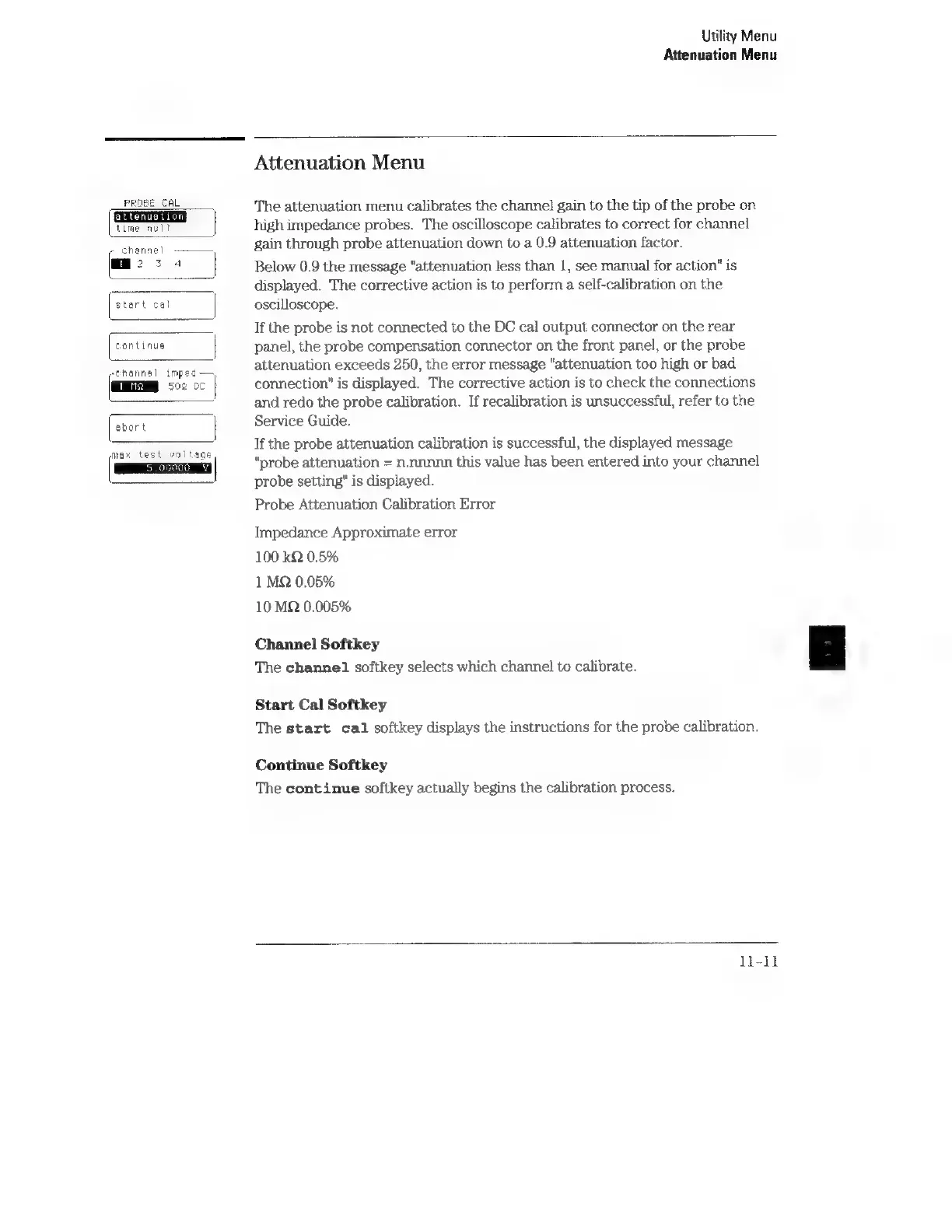
The
channel
softkey
selects
which
channel]
to
calibrate.
Start
Cal
Softkey
The
start
cal
softkey
displays
the
instructions
for
the
probe
calibration.
Continue
Softkey
The
continue
softkey
actually
begins
the
calibration
process.
li-1l