EasyManua.ls Logo

HP 54522A - Page 76

HP 54522A
292 pages
Print Icon
To Next Page IconTo Next Page
To Previous Page IconTo Previous Page
Loading...
»
sequential
——
oft
-
#
of
points
c
#
of
segments
-,
~
Max
=
Horizontal
Sequential
softkey
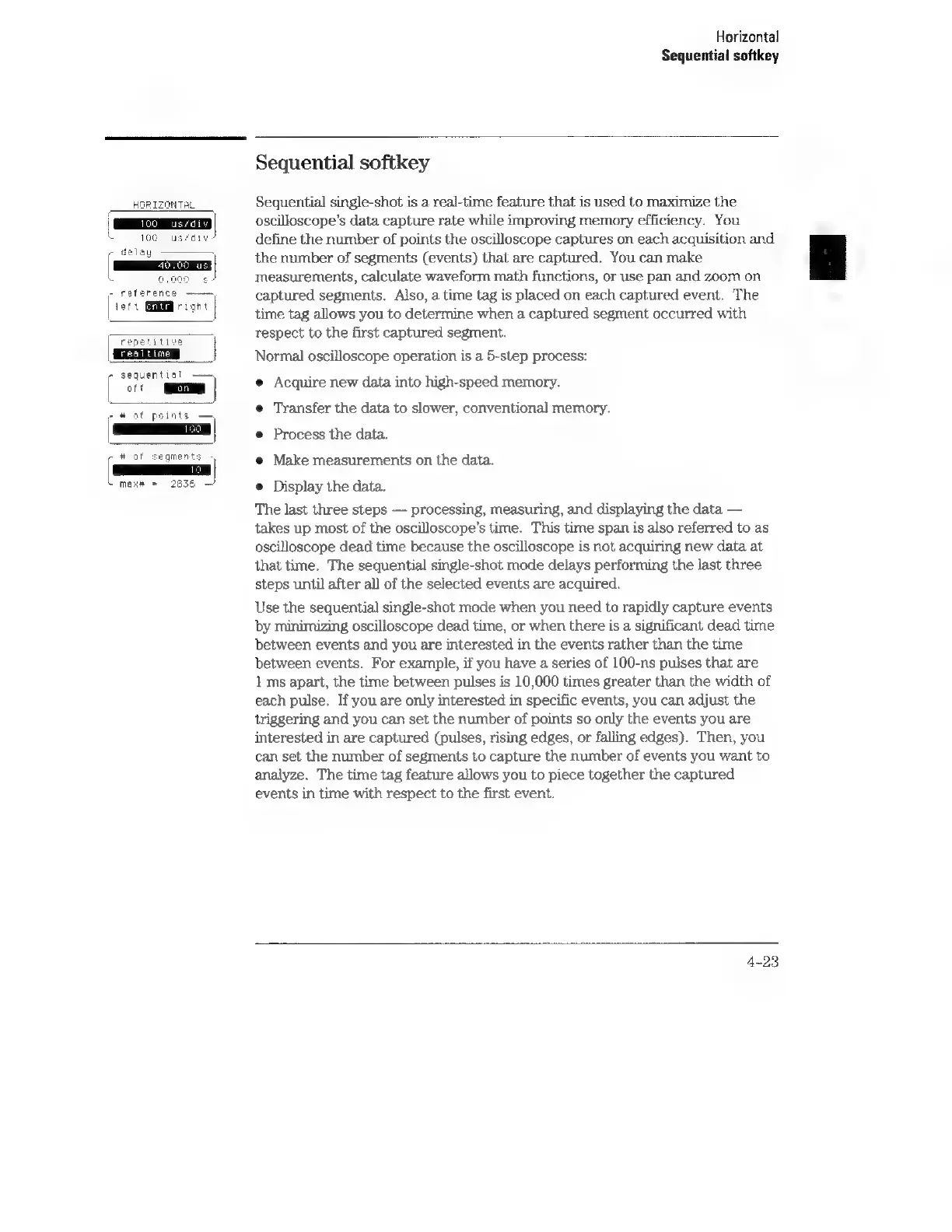
Sequential
softkey
Sequential
single-shot
is
a
real-time
feature
that
is
used
to
maximize
the
oscilloscope’s
data
capture
rate
while
improving
memory
efficiency.
You
define
the
number
of
points
the
oscilloscope
captures
on
each
acquisition
and
the
number
of
segments
(events)
that
are
captured.
You
can
make
measurements,
calculate
waveform
math
functions,
or
use
pan
and
zoom
on
captured
segments.
Also,
a
time
tag
is
placed
on
each
captured
event.
The
time
tag
allows
you
to
determine
when
a
captured
segment
occurred
with
respect
to
the
first
captured
segment.
Normal
oscilloscope
operation
is
a
5-step
process:
e
Acquire
new
data
into
high-speed
memory.
e
Transfer
the
data
to
slower,
conventional
memory.
e
Process
the
data.
e@
Make
measurements
on
the
data.
e
Display
the
data.
The
last
three
steps
processing,
measuring,
and
displaying
the
data
takes
up
most
of
the
oscilloscope’s
time.
This
time
span
is
also
referred
to
as
oscilloscope
dead
time
because
the
oscilloscope
is
not
acquiring
new
data
at
that
time.
The
sequential
single-shot
mode
delays
performing
the
last
three
steps
until
after
all
of
the
selected
events
are
acquired.
Use
the
sequential
single-shot
mode when
you
need
to
rapidly
capture
events
by
minimizing
oscilloscope
dead
time,
or
when
there
is
a
significant
dead
time
between
events
and
you
are
interested
in
the
events
rather
than
the
time
between
events.
For
example,
if
you
have
a
series
of
100-ns
pulses
that
are
1
ms
apart,
the
time
between
pulses
is
10,000
times
greater
than
the
width
of
each
pulse.
If
you
are
only
interested
in
specific
events,
you
can
adjust
the
triggering
and
you
can
set
the
number
of
points
so
only
the
events
you
are
interested
in
are
captured
(pulses,
rising
edges,
or
falling
edges).
Then,
you
can
set
the
number
of
segments
to
capture
the
number
of
events
you
want
to
analyze.
The
time
tag
feature
allows
you
to
piece
together
the
captured
events
in
time
with
respect
to
the
first
event.
4-23