Postcards
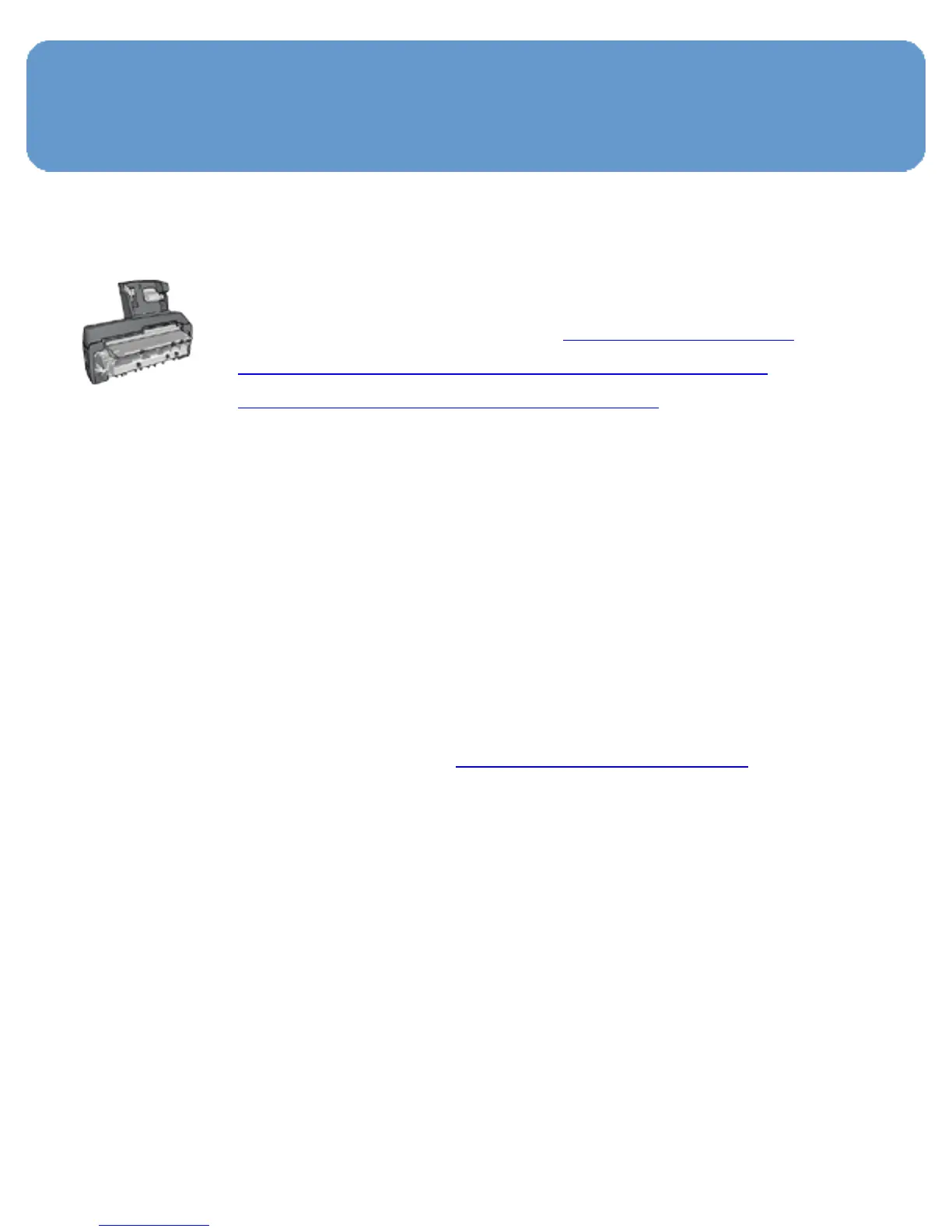
If the optional Auto Two-Sided Print
Accessory with Small Paper Tray is attached
to the printer, follow the steps for printing
postcards with the Auto Two-Sided Print
Accessory with Small Paper Tray.
Guidelines
● Use only cards and small media that meet the printer paper-
size specifications. For specifications, see the reference
guide that came with the printer.
● Do not exceed the In-tray capacity: up to 60 cards.
Preparing to print
To print a single card, use the photo/envelope feeder.
To print multiple cards, follow these steps:
1. Verify that the printer is turned on.
2. Remove the Out tray, then remove all paper from the In
tray.
3. Slide the paper-width guide all the way to the left, then pull
out the paper-length guide.
4. Place the cards, with the sides to be printed on facing down
and one of the short sides pointing towards the printer, into
In tray and to the right. Push the cards into the printer
until they stop.



 To Next Page