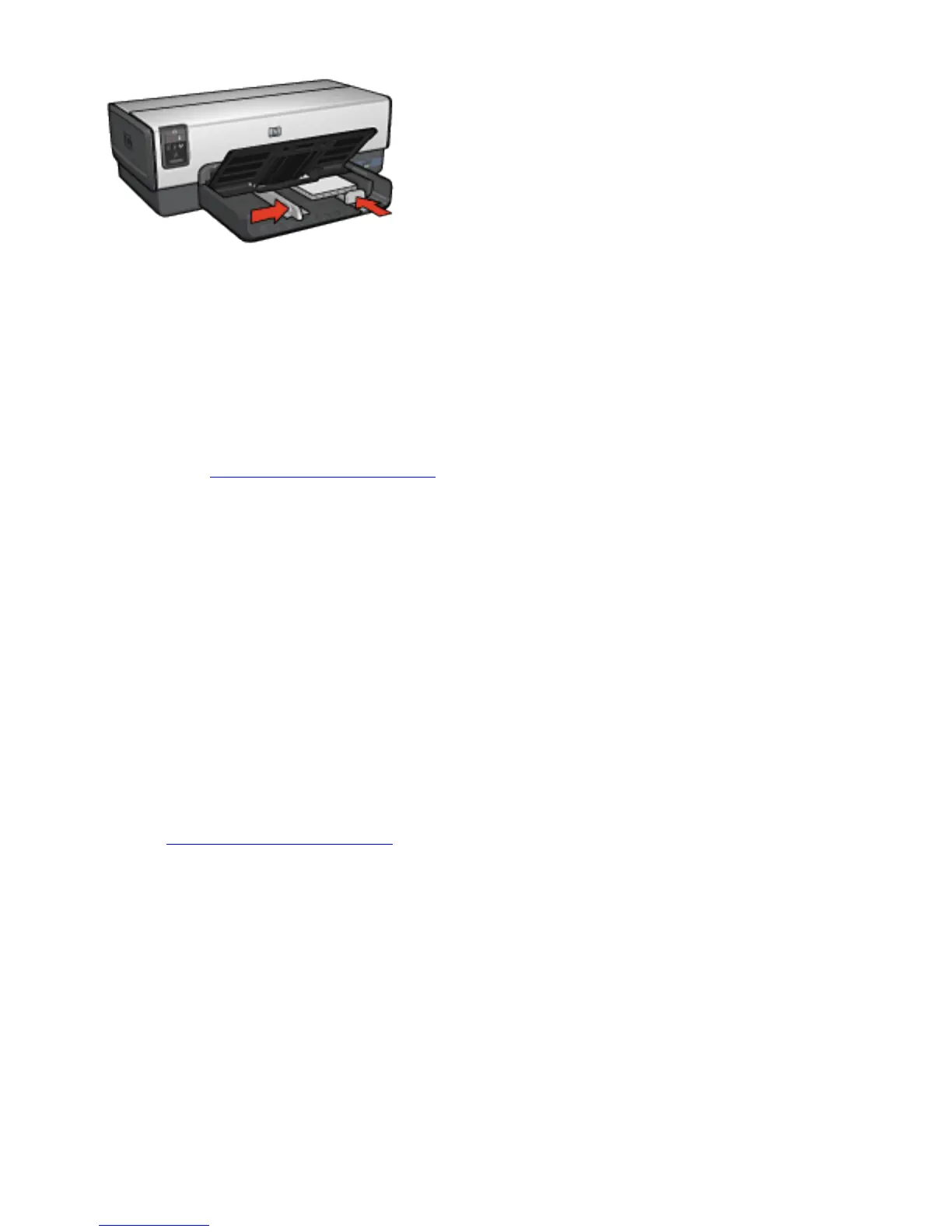
5. Slide the paper guides firmly against the cards.
6. Replace the Out tray.
Printing
1. Open the Printer Properties dialog box.
2. On the Printing Shortcuts tab, click Postcard printing,
and then specify the following print settings:
❍ Paper size: The appropriate paper size
❍ Paper type: Automatic or Plain paper
❍ Paper source: Upper tray
3. Select any other print settings that you want, and then
click OK.
Use the What's This? help to learn about the features that
you see in the Printer Properties dialog box.



 To Next Page