Brochures
Guidelines
● Learn to print borderless brochures.
● For great results, use HP Brochure & Flyer Paper.
● Do not exceed the In-tray capacity: up to 25 sheets.
Preparing to print
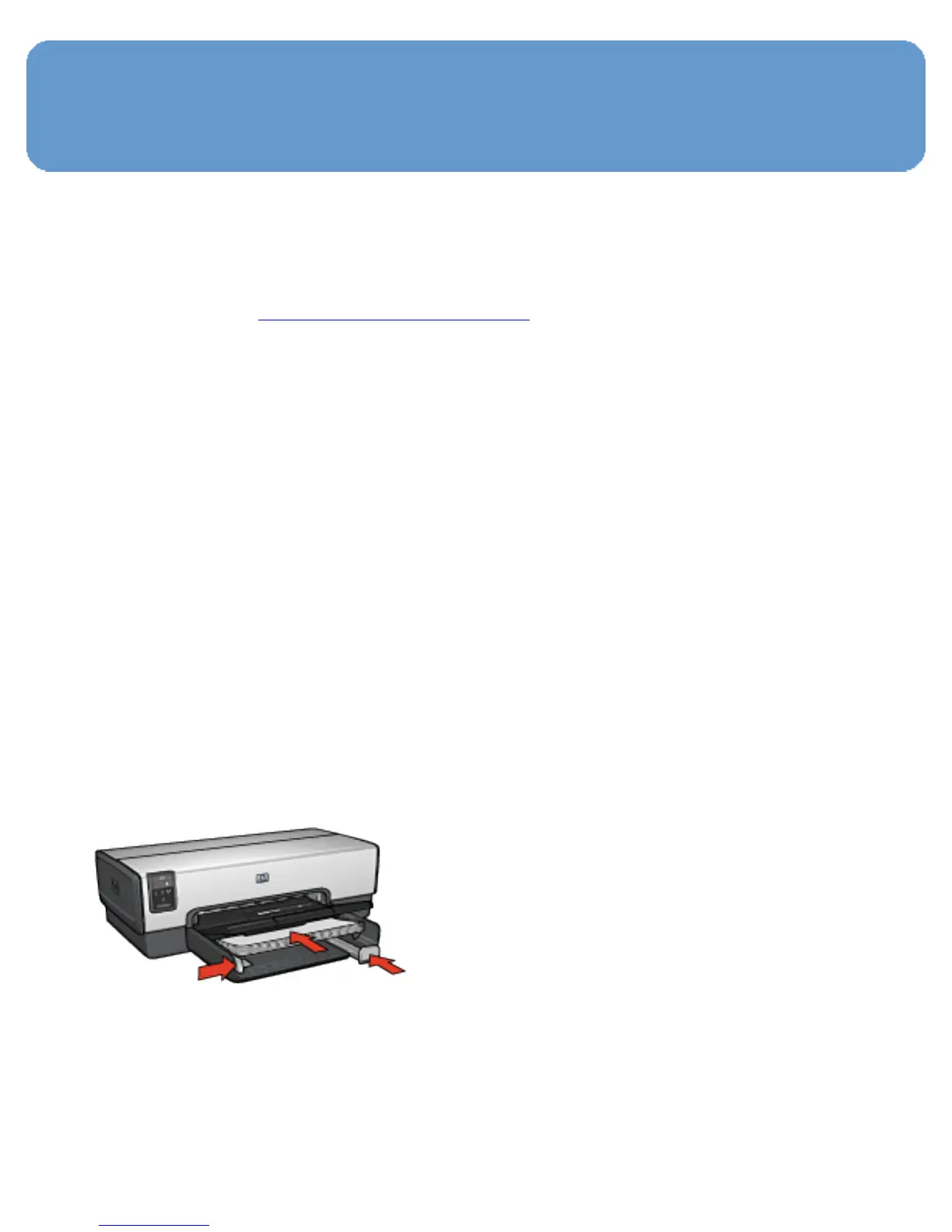
1. Verify that the printer is turned on.
2. Raise the Out tray.
3. Slide the paper-width guide all the way to the left, then pull
out the paper-length guide.
4. Place brochure paper in the In tray, pushing the paper into
the printer until it stops.
5. Slide the paper guides firmly against the paper.
6. Lower the Out tray.



 To Next Page