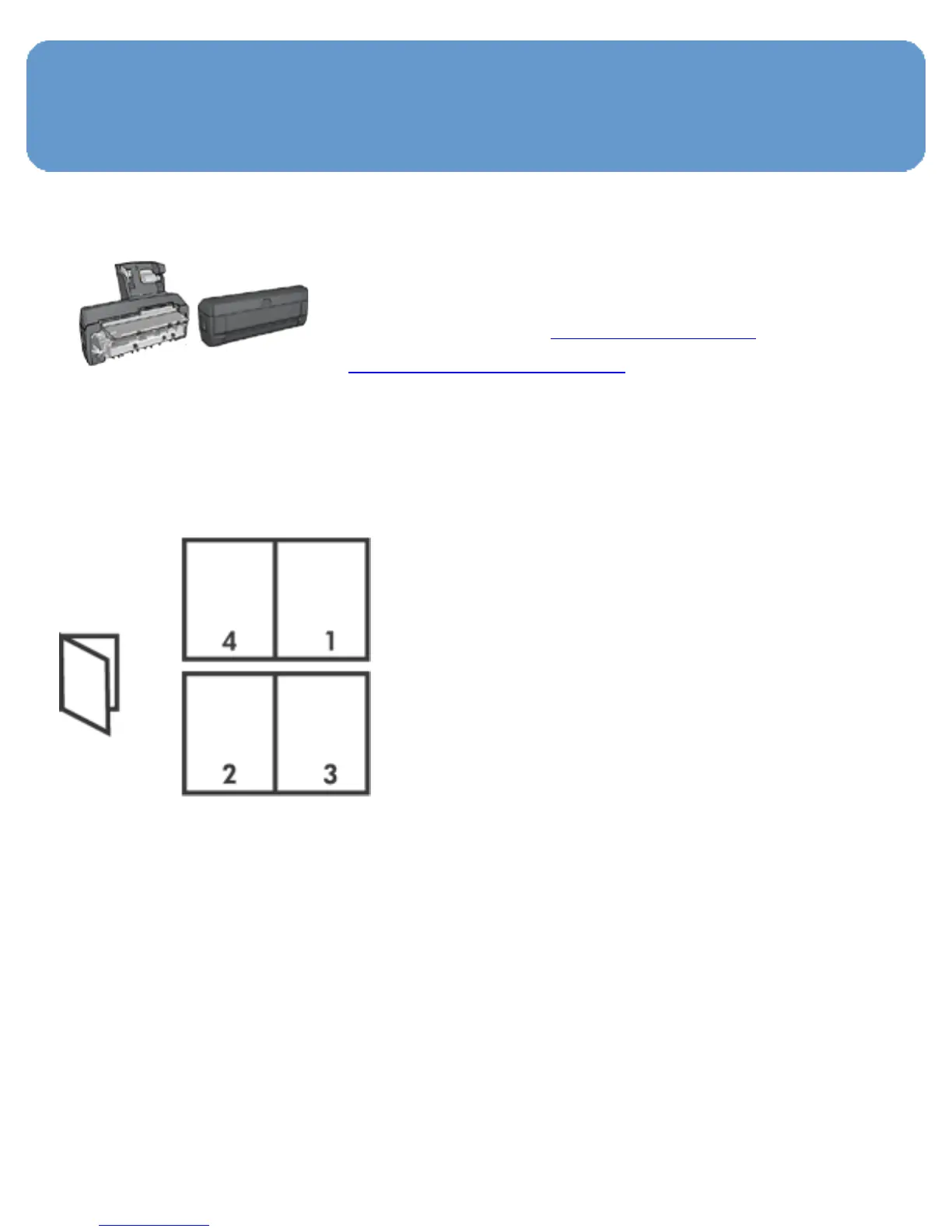
Booklets
If an optional two-sided printing
accessory is attached to the printer,
then follow the steps to print a
booklet automatically.
Booklet printing automatically arranges and resizes the pages
of a document so that when the pages are folded into a
booklet, the page order is correct.
Guidelines
Do not exceed the In-tray capacity: up to 150 sheets.
Preparing to print
1. Verify that the printer is turned on.
2. Raise the Out tray.
3. Slide the paper-width guide all the way to the left, and then
pull out the paper-length guide.



 To Next Page