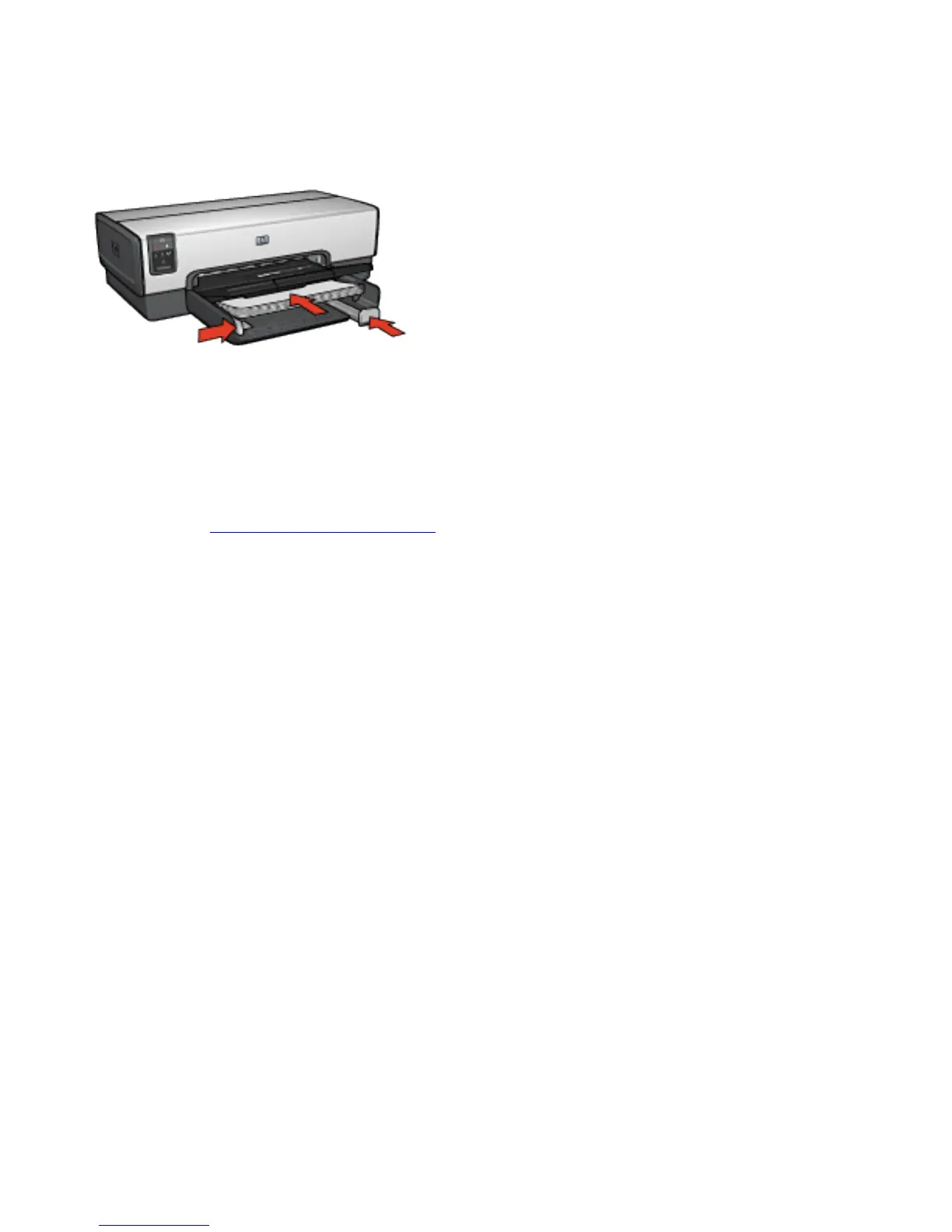
4. Place plain paper in the In tray, pushing the paper into the
printer until it stops.
5. Slide the paper guides firmly against the paper.
6. Lower the Out tray.
Printing
1. Open the Printer Properties dialog box.
2. Select the Printing Shortcuts tab, and then click Two-
sided, duplex, printing in the drop-down list.
3. In the Print on both sides drop-down list, click one of the
following binding options:
❍ Left edge booklet
❍ Right edge booklet
4. Select any other print settings that you want, and then
click OK.



 To Next Page