Manual two-sided printing
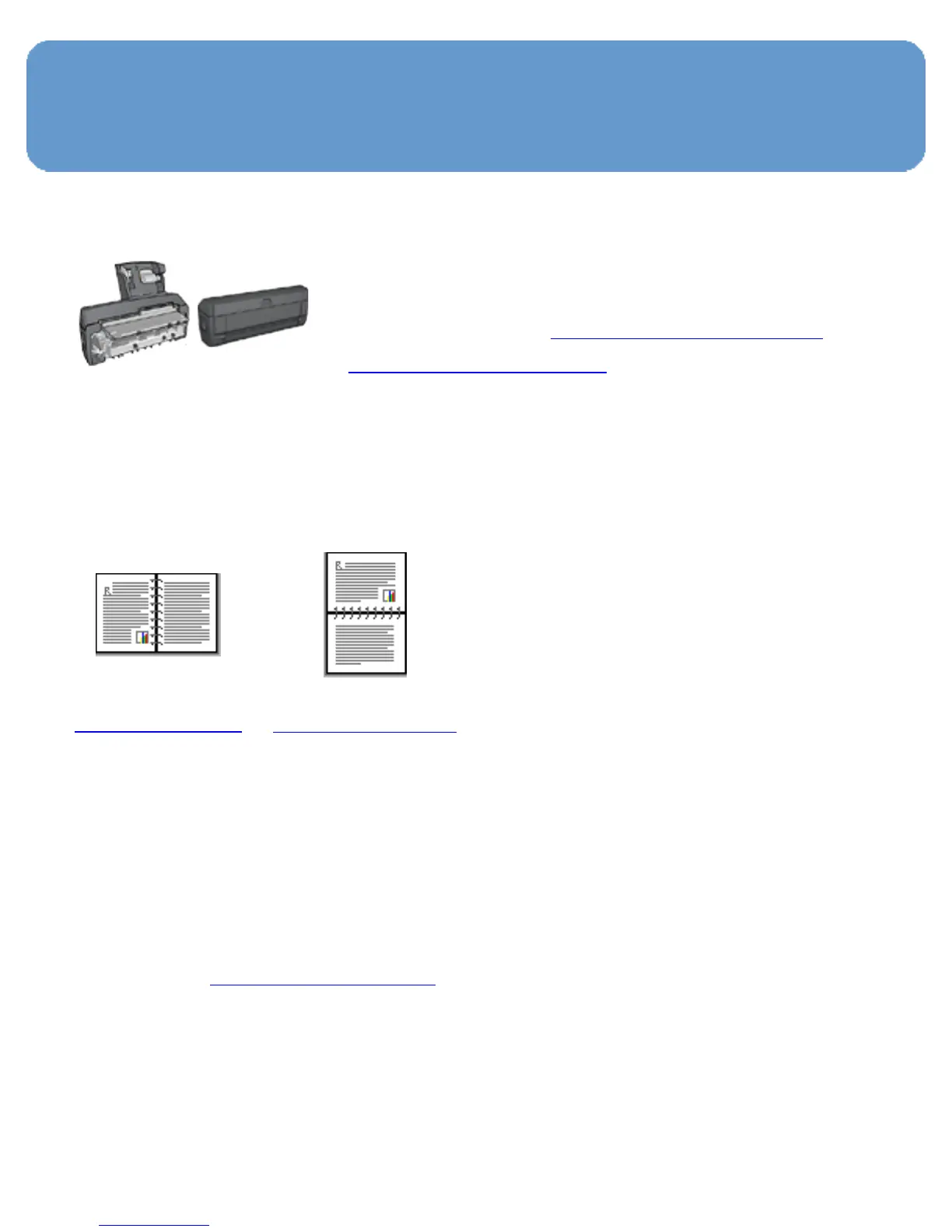
If an optional two-sided printing
accessory is attached to the printer,
then follow the automatic two-sided
printing instructions.
Binding type
Select the type of binding that you want for the two-sided
document, and then follow the steps for that binding:
Book binding
Tablet binding
Note:
Book binding is the most common type of binding.
Book binding
Follow these steps to print a two-sided document with a book
binding:
1. Open the Printer Properties dialog box.
2. Click the Printing Shortcuts tab, and then click Two-
sided, duplex, printing.



 To Next Page