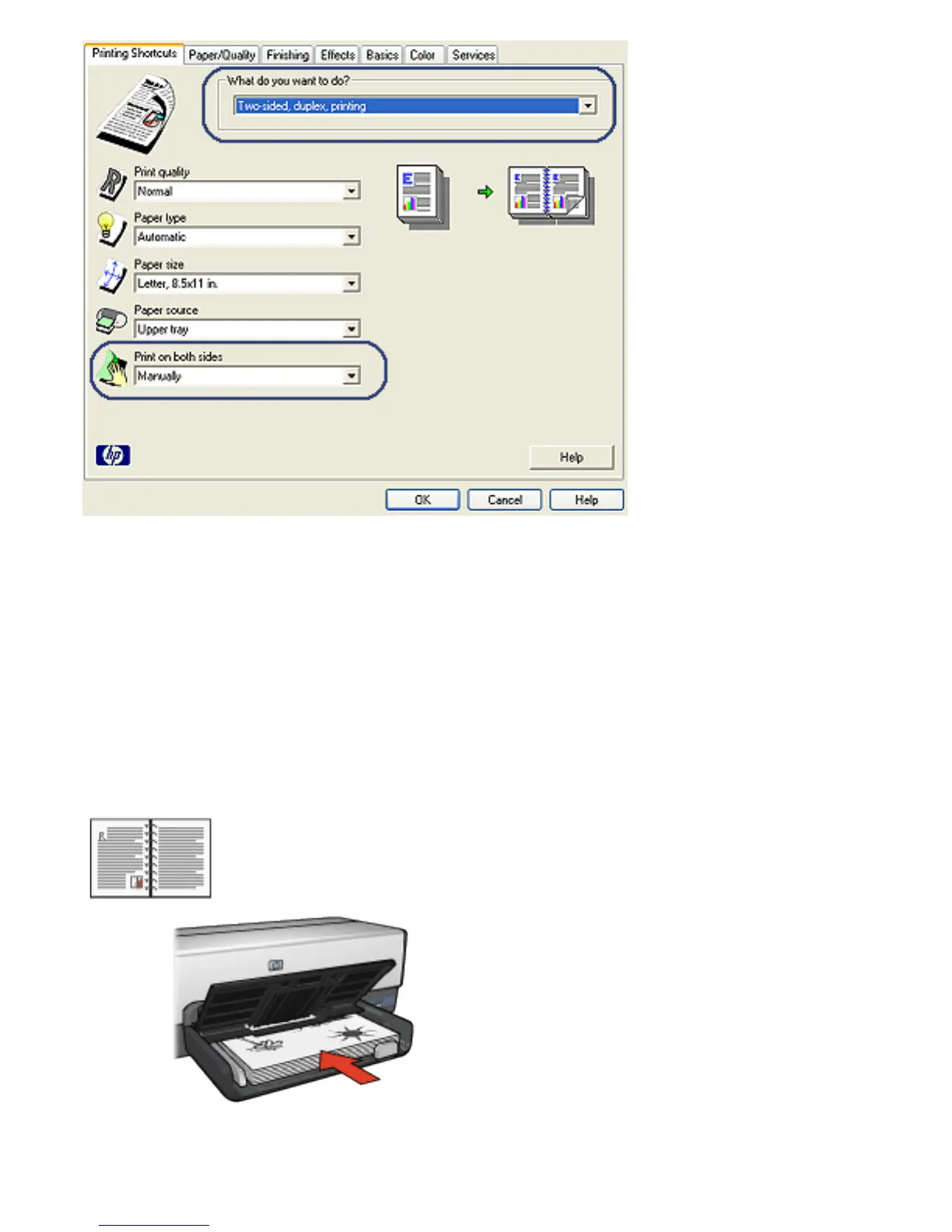
3. In the Print on both sides drop-down list, click Manually.
4. Select any other print settings that you want, and then
click OK.
The printer prints the odd-numbered pages first.
5. After the odd-numbered pages have been printed, reload
the printed pages, with the printed side facing up.
6. Click Continue to print the even-numbered pages.



 To Next Page