Tablet binding
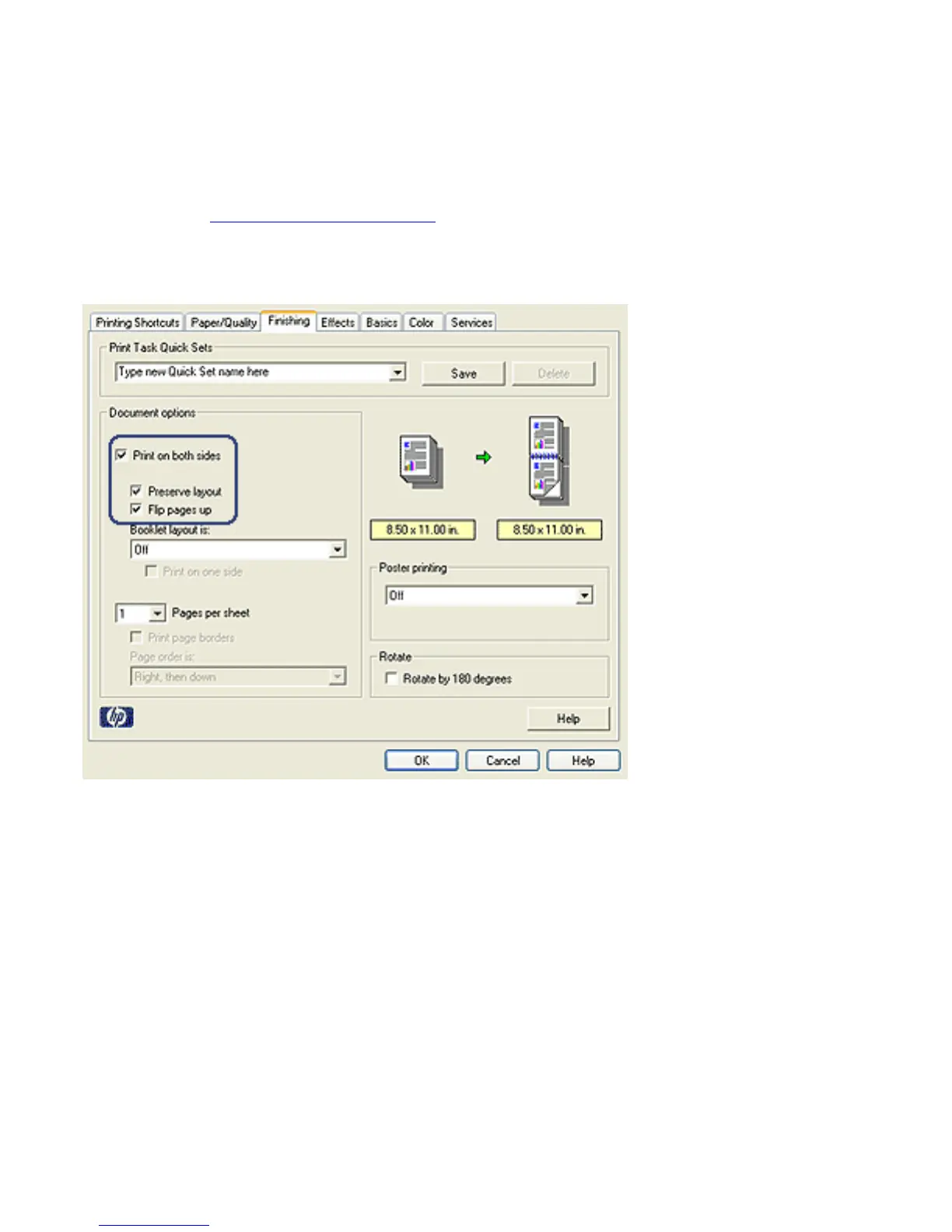
Follow these steps to print a two-sided document with a
tablet binding:
1. Open the Printer Properties dialog box.
2. Click the Finishing tab.
3. Select the Print on both sides check box.
4. Select the Preserve layout check box.
5. Select the Flip pages up check box.
6. Select any other print settings that you want, and then
click OK.
The printer prints the odd-numbered pages first.
7. After the odd-numbered pages have been printed, reload
the printed pages, with the printed side facing up according
to the document's orientation:



 To Next Page