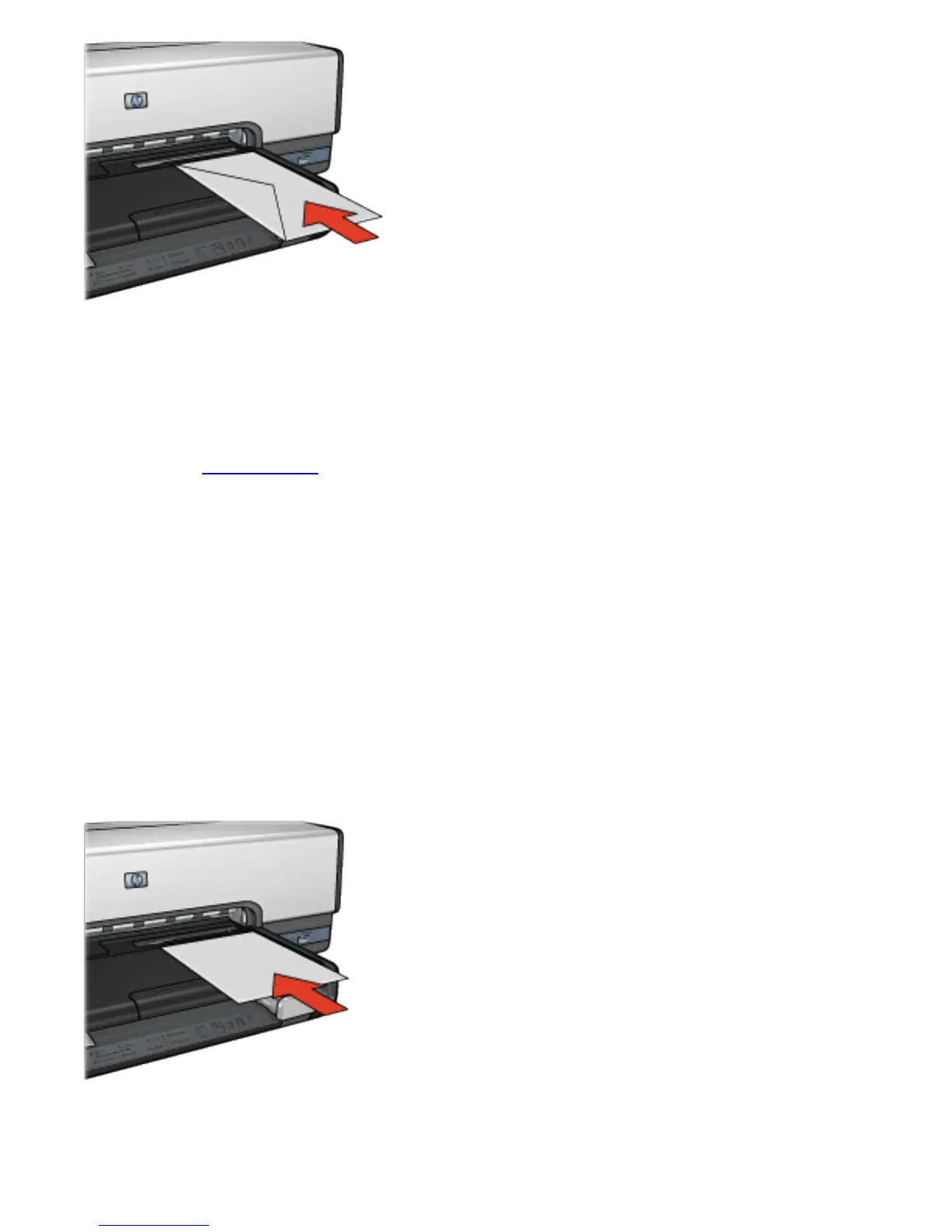
2. Push the envelope into the printer as far as it will go
without bending.
3. Print the envelope.
Photos
Follow these steps to use the photo/envelope feeder to print
a single photo:
1. Insert the photo paper into the photo/envelope feeder with
the side to be printed on facing down.
2. Gently push the photo paper into the photo/envelope
feeder as far as it will go without bending.



 To Next Page