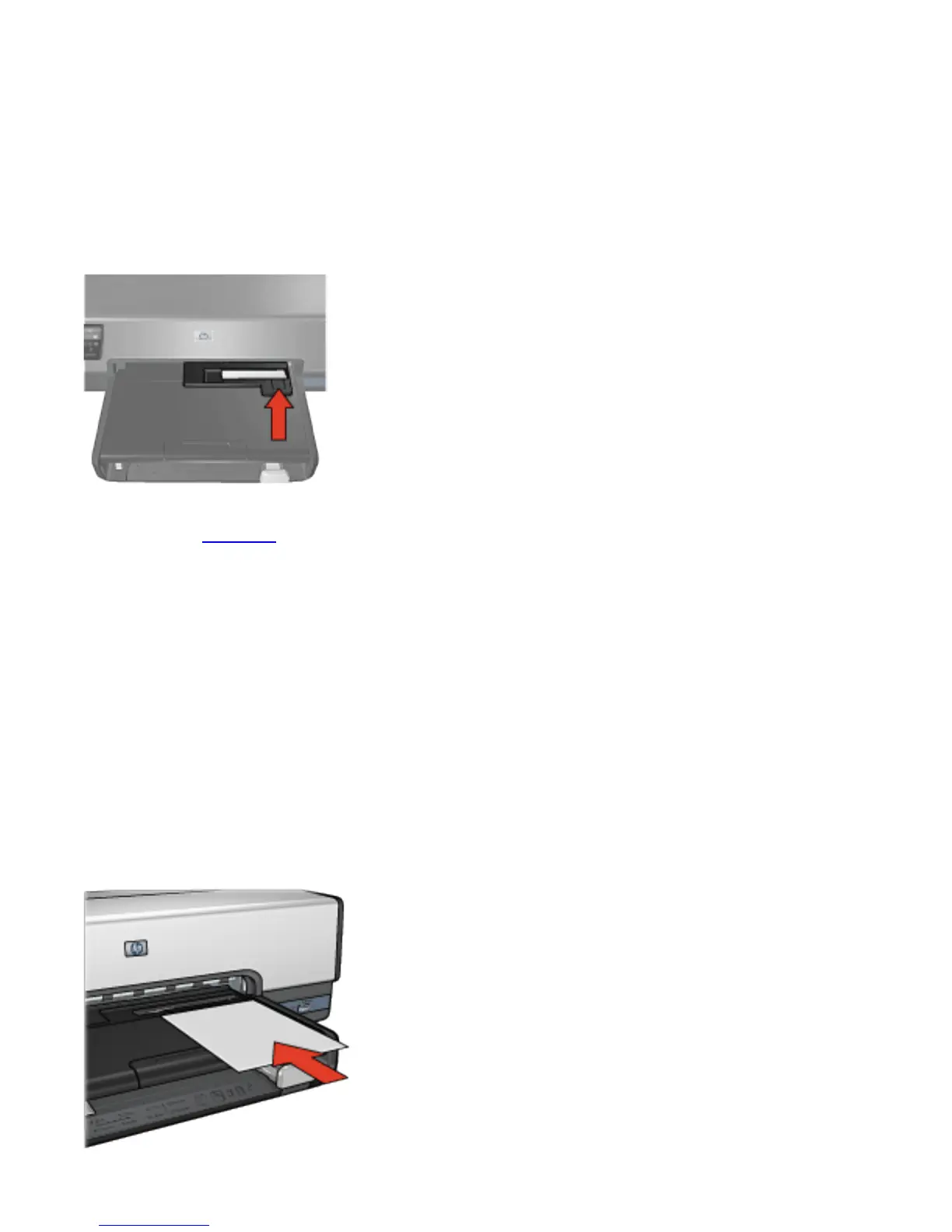
comfortably go.
Note:
If the photo paper touches the back of the paper
tray, you have pushed the feeder in as far as it
needs to go.
4. Print the photo.
Postcards
Follow these steps to use the photo/envelope feeder to print
a single postcard:
1. Insert the postcard into the photo/envelope feeder with the
side to be printed on facing down.
2. Gently push the postcard into the photo/envelope feeder as
far as it will go without bending.
3. Slide the photo/envelope feeder forward as far as it will



 To Next Page