Automatic two-sided printing
problems
Paper jam occurs inside the Automatic Two-
Sided Printing Accessory
Paper jam
Follow these steps to remove a paper jam from the duplexer.
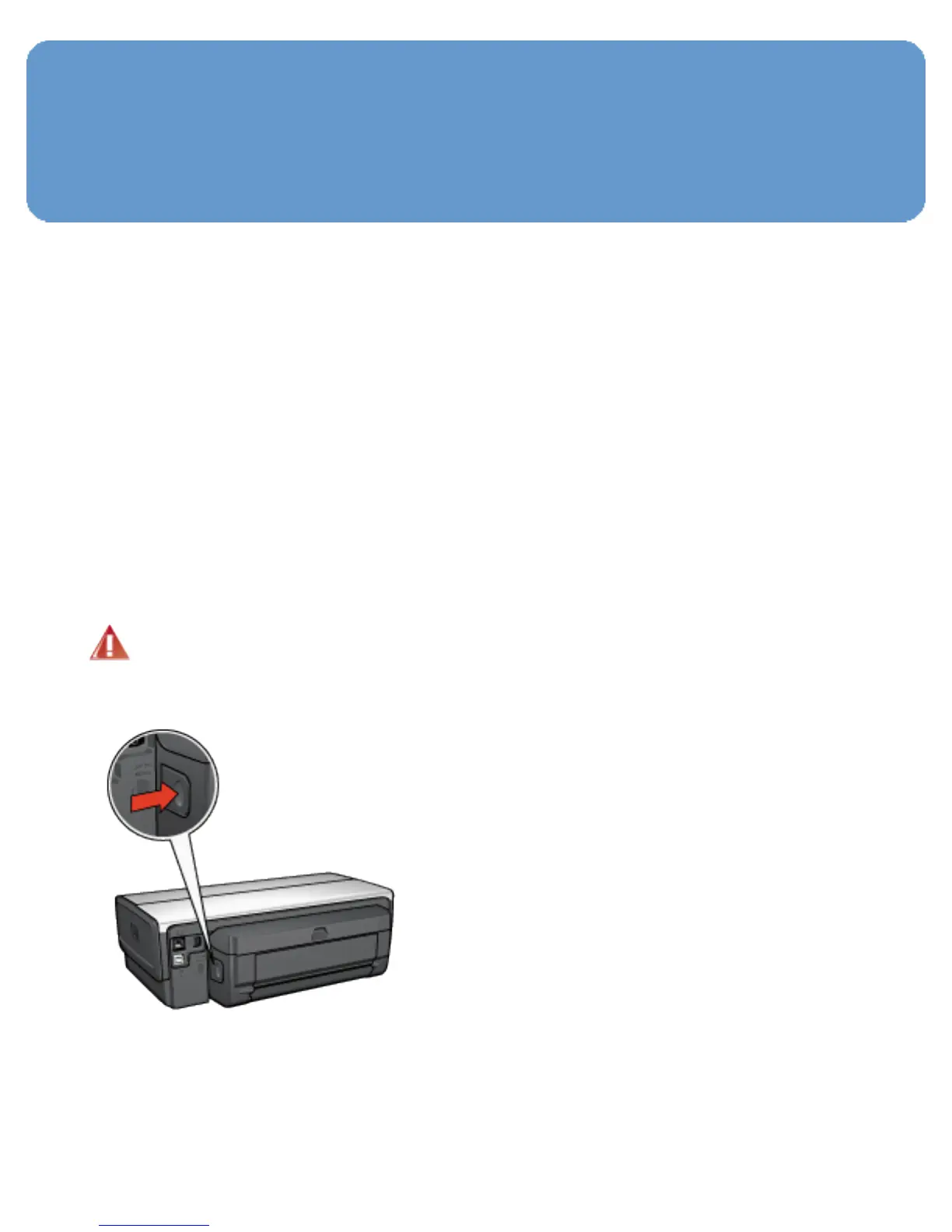
1. Turn off the printer.
2. Press the buttons on the left and right sides of the
duplexer, and then remove it from the printer.
Warning: Remove the duplexer before opening it
when clearing a paper jam.
3. Remove any paper inside the printer.
4. Open the duplexer.



 To Next Page