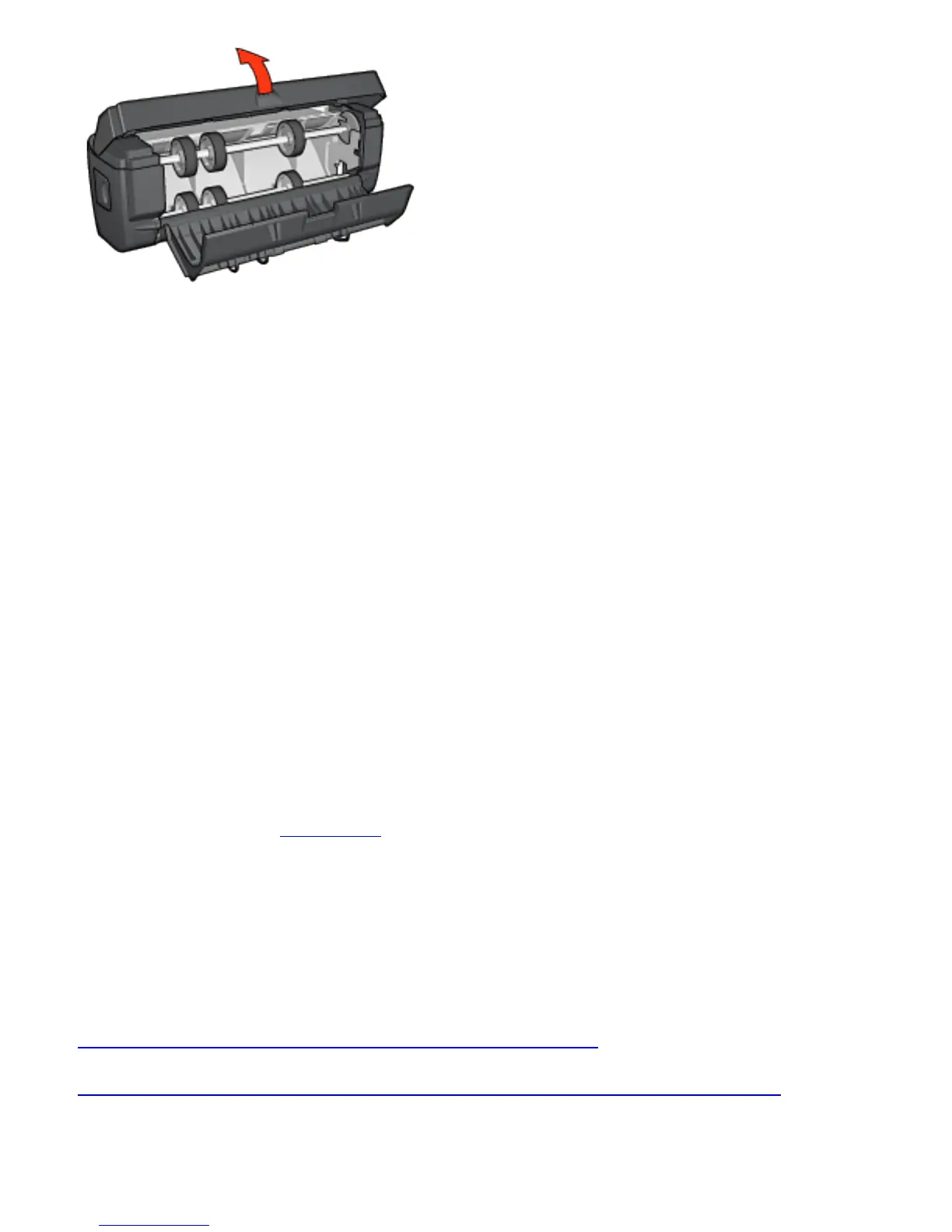
5. Remove any paper from inside the duplexer.
6. Close the duplexer, and then re-attach the duplexer to the
printer.
Option for two-sided printing cannot be
selected
The printer driver cannot sense the duplexer until a print job
is sent to the printer. Print a single sided document, and then
print the two-sided document. The option for using the
duplexer will appear in the printer software.
If the option for the duplexer still does not appear, then
verify that the following conditions exist:
● The duplexer is attached to the printer.
● The duplexer is enabled in the printer software.
● The media type and size selected on the Paper/Quality tab
are supported by the duplexer.
For a list of supported media types and sizes, see the
specifications for your duplexer:
❍ Automatic Two-Sided Printing Accessory
❍ Auto Two-Sided Print Accessory with Small Paper Tray



 To Next Page