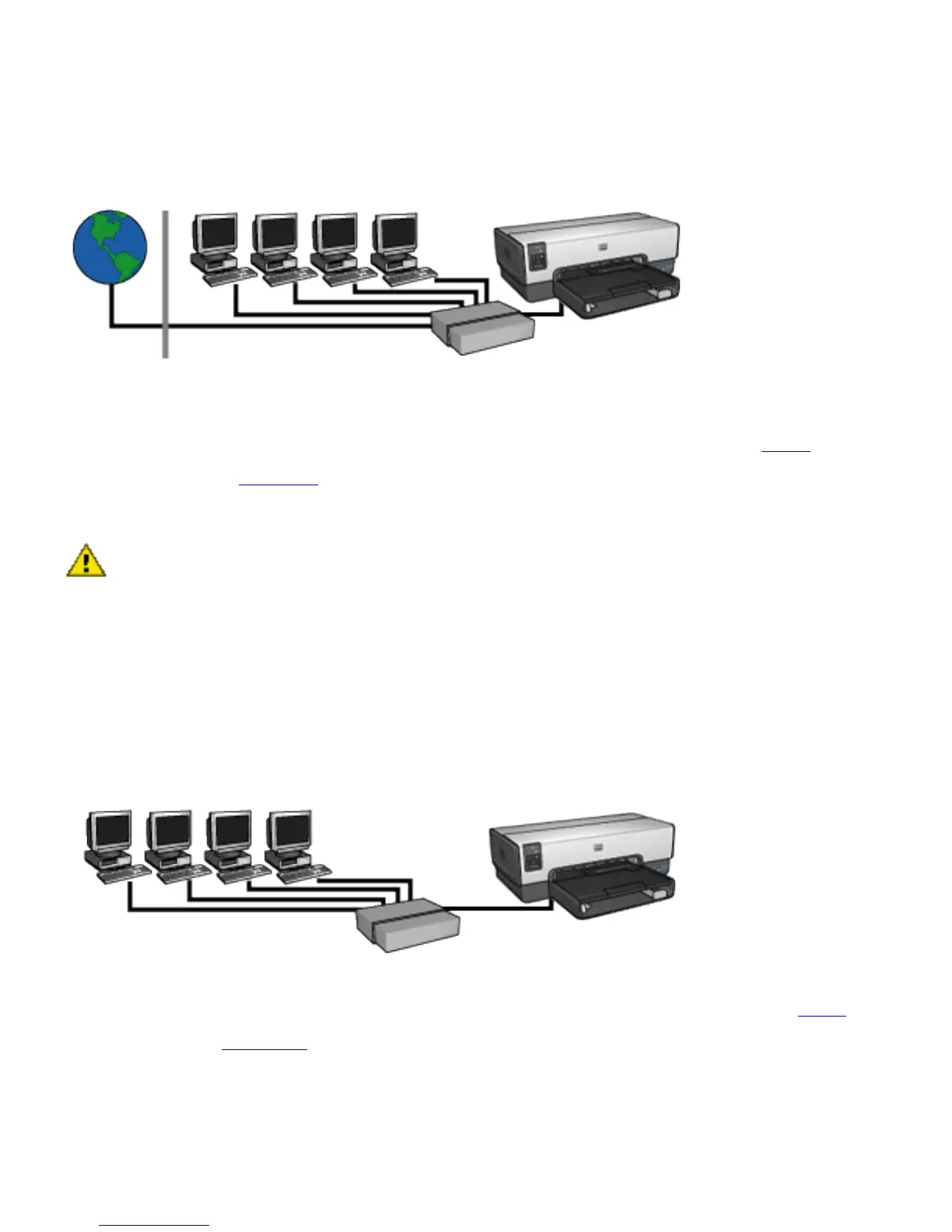
DSL or cable Internet connection without a
gateway
This example looks similar to the first example. However, in
this example, the network devices are connected to a
hub,
rather than a
router. The hub is directly connected to the
Internet.
Caution: HP does not recommend this configuration. If
possible, use a gateway to manage your network's
Internet access in order to limit exposure to viruses and
guard against unwanted entry.
Ethernet network without an Internet
connection
In this example, the network devices are connected to a hub.
Devices use
AutoIP to obtain IP addresses.



 To Next Page