Connecting the printer to an
Ethernet network
Follow these steps to connect the printer to an Ethernet
network:
1. If necessary, set up the printer hardware.
For printer hardware setup instructions, see the setup
poster that came with the printer.
2. Verify that the printer is powered on.
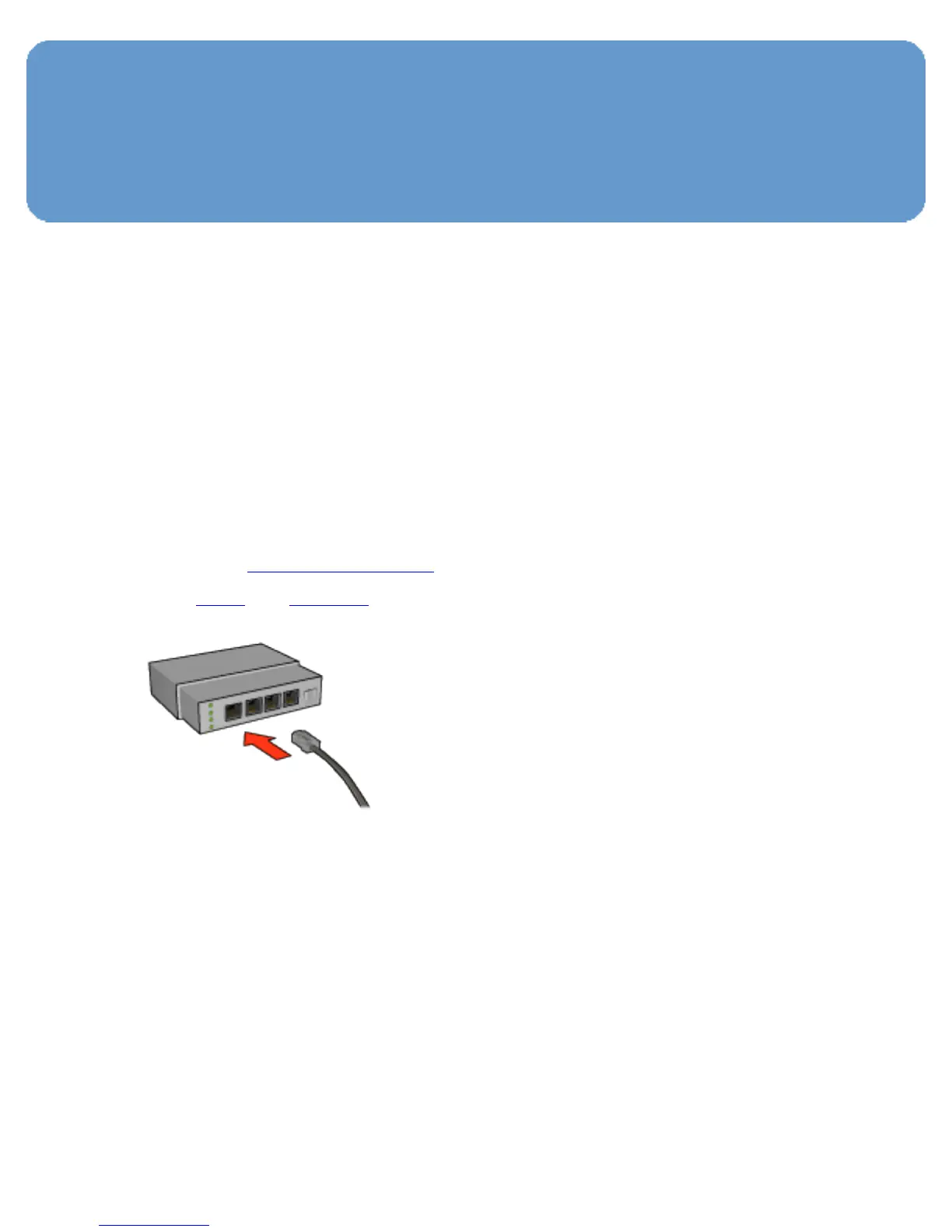
3. Connect the Ethernet cable to an available port on the
network
hub or router.
Note:
Do not plug the Ethernet cable into a port labeled
WAN or Uplink.
4. Connect the Ethernet cable to the Ethernet port on the
back of the printer.



 To Next Page