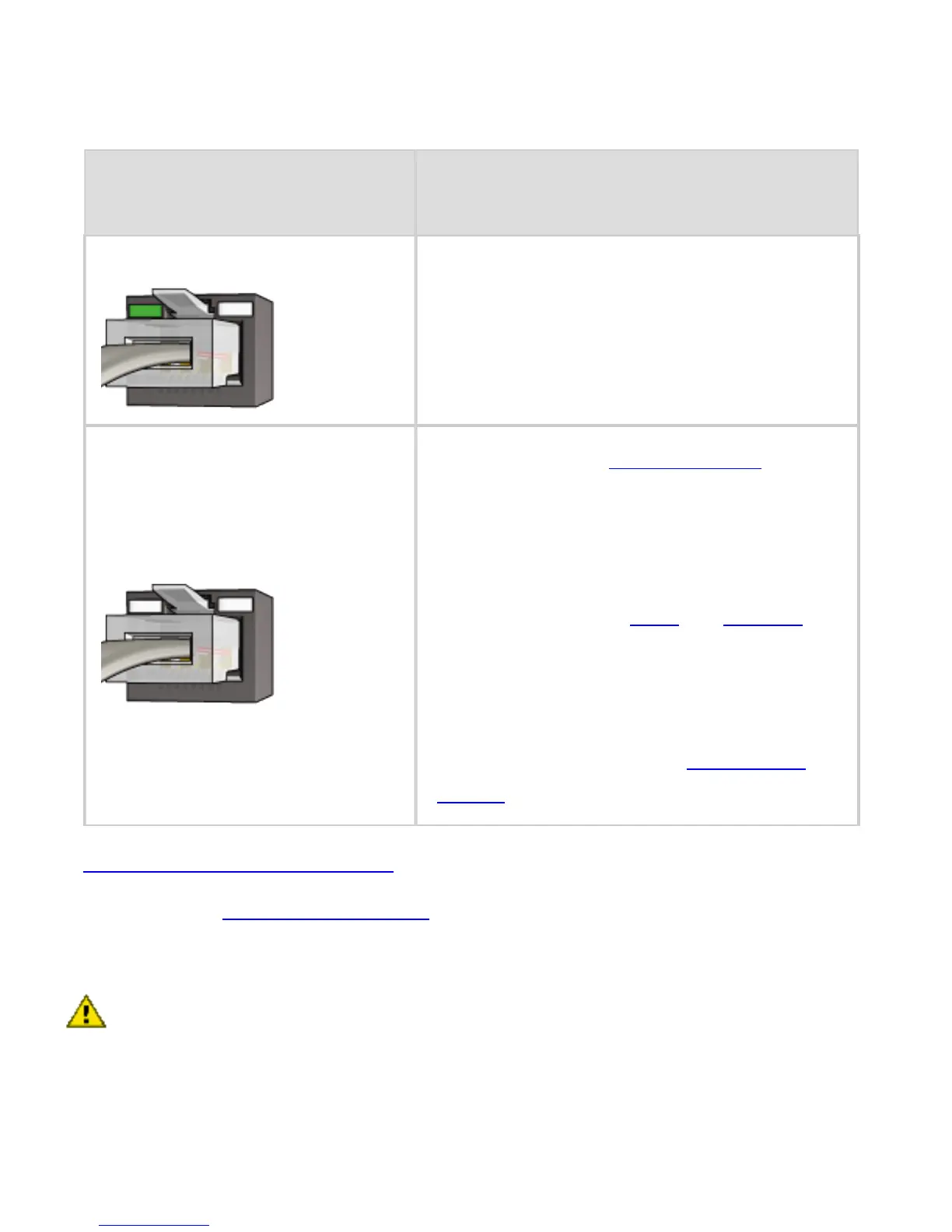
On
Go to step 6.
Off
Repeat steps 2 through 4. If
the lights are still off, then
verify the following items:
❍ The printer is powered on.
❍ The network hub or router is
powered on.
❍ All cable connections are
secure.
❍ You are using an Ethernet
cable.
6. Print an HP Report page.
7. Install the printer software on each computer that will use
the printer.
Caution: It is recommended that the printer and the
computers that use it be on the same subnet. Printer
installation across subnets can be problematic
depending on the type of router used.
5. Do one of the following:
State of the Link
light
Task



 To Next Page