PictBridge
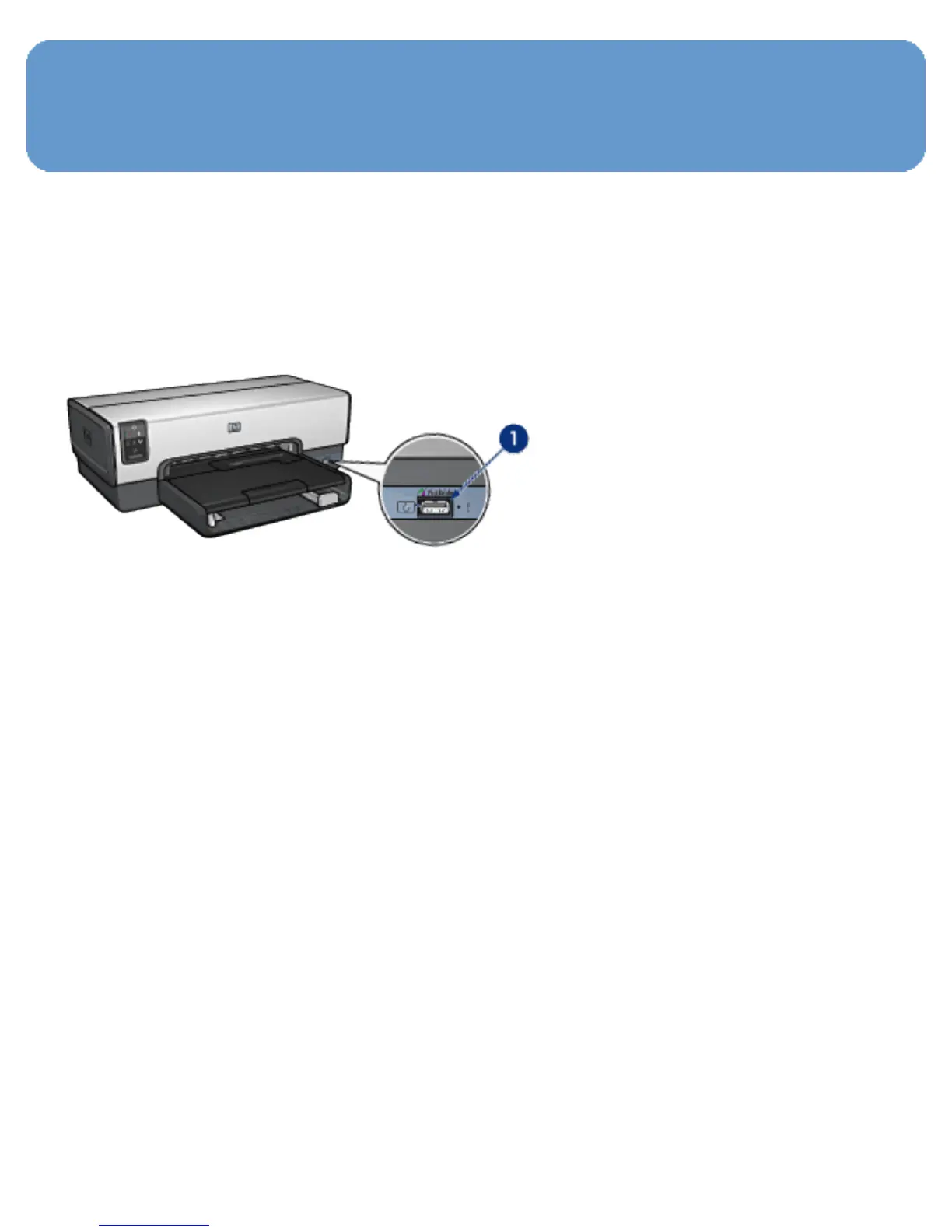
With a PictBridge-enabled camera, you do not need a
computer to print digital photographs. Just plug the camera
into the printer's PictBridge port.
1. PictBridge port
Note:
When two PictBridge devices communicate, they
provide only the services that they have in
common. For example, some cameras might allow
photos formatted as either TIFFs or JPEGS to be
printed over a PictBridge connection, but, since the
printer does not support TIFFs over a PictBridge
connection, only JPEGS can be printed.
When a camera is connected to the PictBridge port, the
default printer settings will print a 4 x 6 inch borderless
photo with portrait orientation. For detailed information on
printing from the camera, consult the documentation that
came with your camera.



 To Next Page