PictBridge printing
In order to print photos directly from a digital camera, you
need the following items:
● A PictBridge-compatible camera
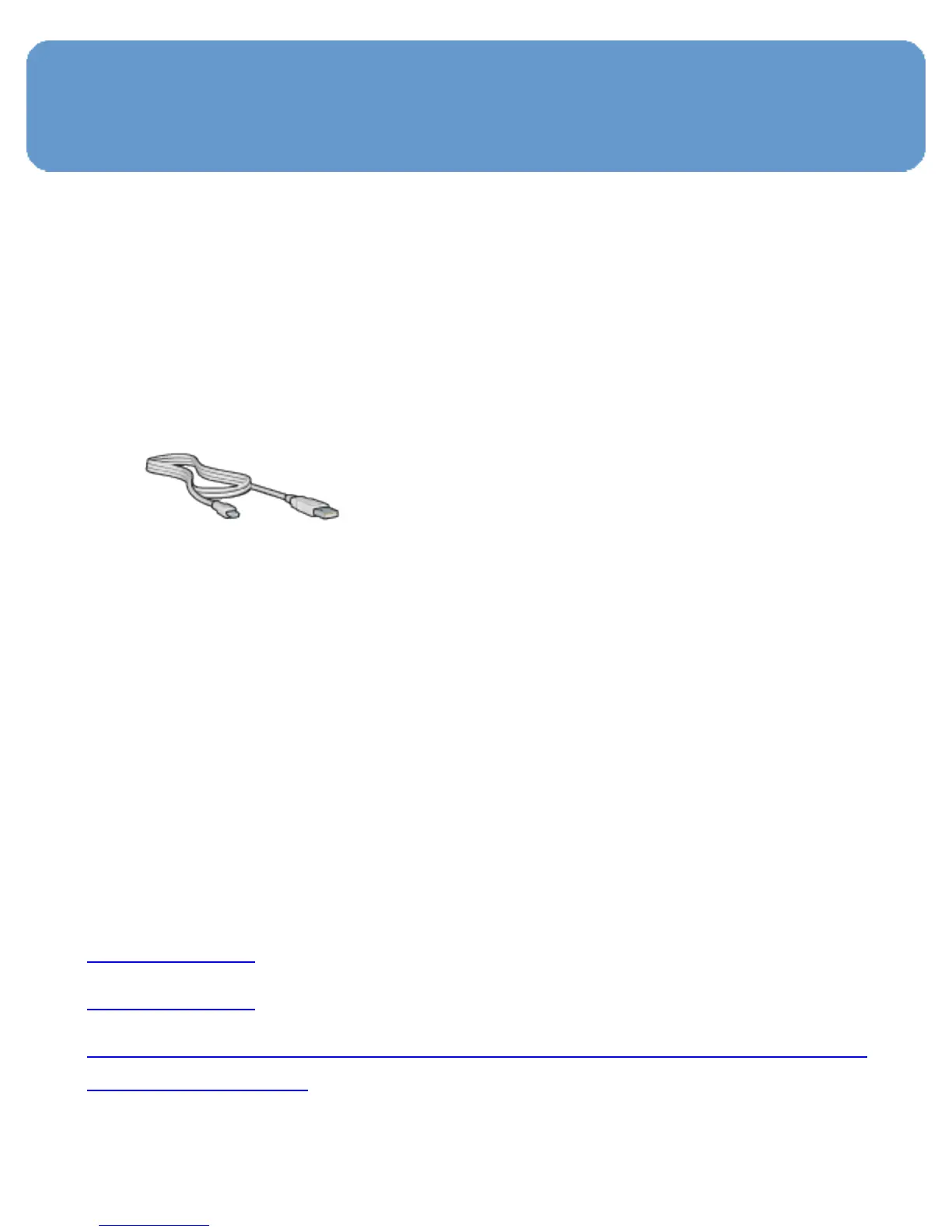
● A digital camera USB cable
Check the documentation that came with your camera to
ensure that your camera supports PictBridge.
Printing
Follow these steps to print photos from a PictBridge-
compatible camera:
1. Load photo paper into the printer.
For instructions about loading photo paper, select one of
the following options:
❍ Small photos
❍ Large photos
❍ Small photos from the Auto Two-Sided Print Accessory with
Small Paper Tray
2. Connect your camera to the PictBridge port on the front of
the printer using the USB cable supplied with your camera.



 To Next Page