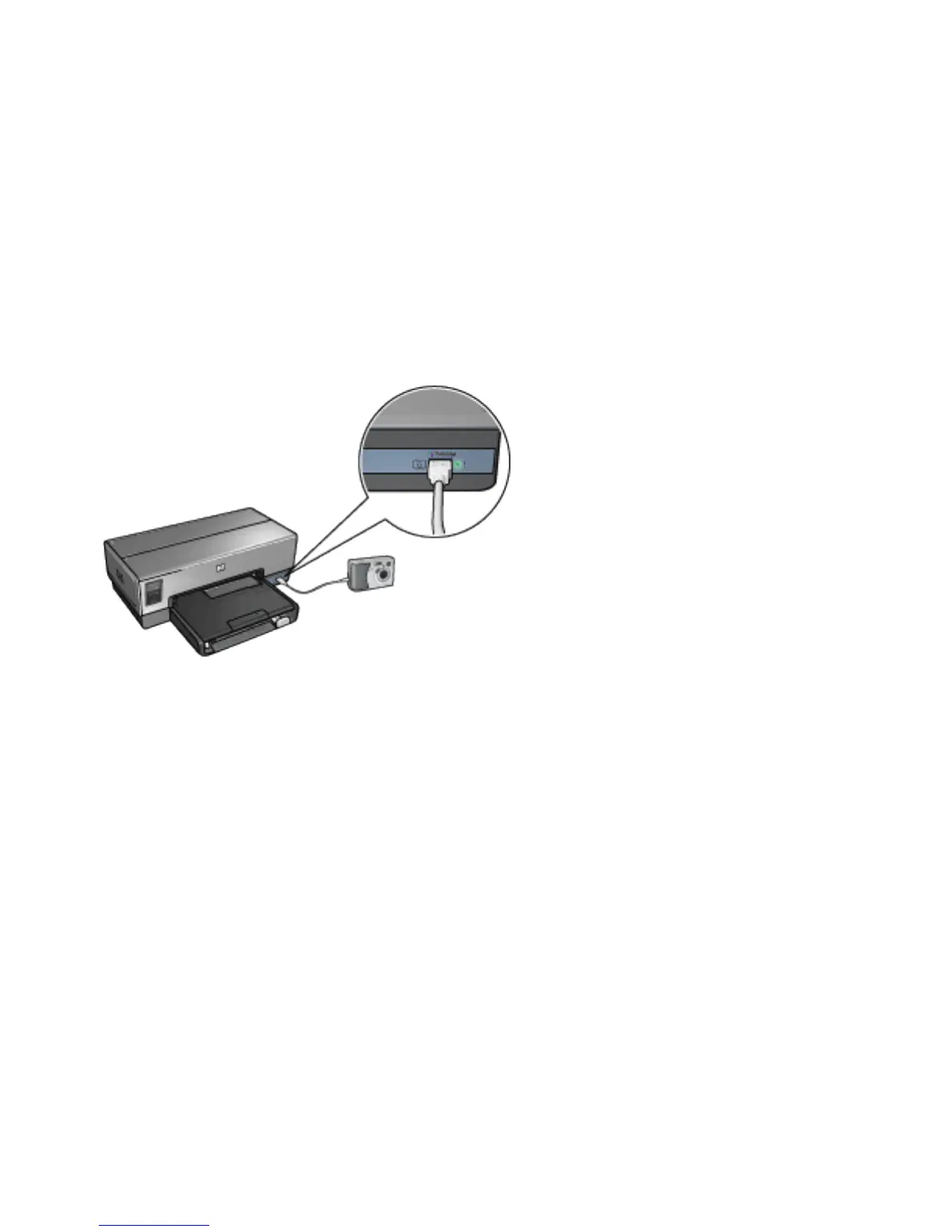
3. Turn on your camera, and then set it to PictBridge mode.
If you do not know how to set the camera to PictBridge
mode, see the documentation that came with the camera.
Note:
When the camera is connected correctly, the
Connection light is illuminated. The Connection
light blinks green when printing from the camera.
If the camera is not PictBridge-compatible or is
not in PictBridge mode, the Error light flashes.
After you successfully connect the camera to the printer,
you can print your photos. Be sure the size of the paper
loaded in the printer matches the setting on your camera.
Refer to the documentation that came with your camera for
detailed information on printing from the camera.



 To Next Page