8 Installing and troubleshooting
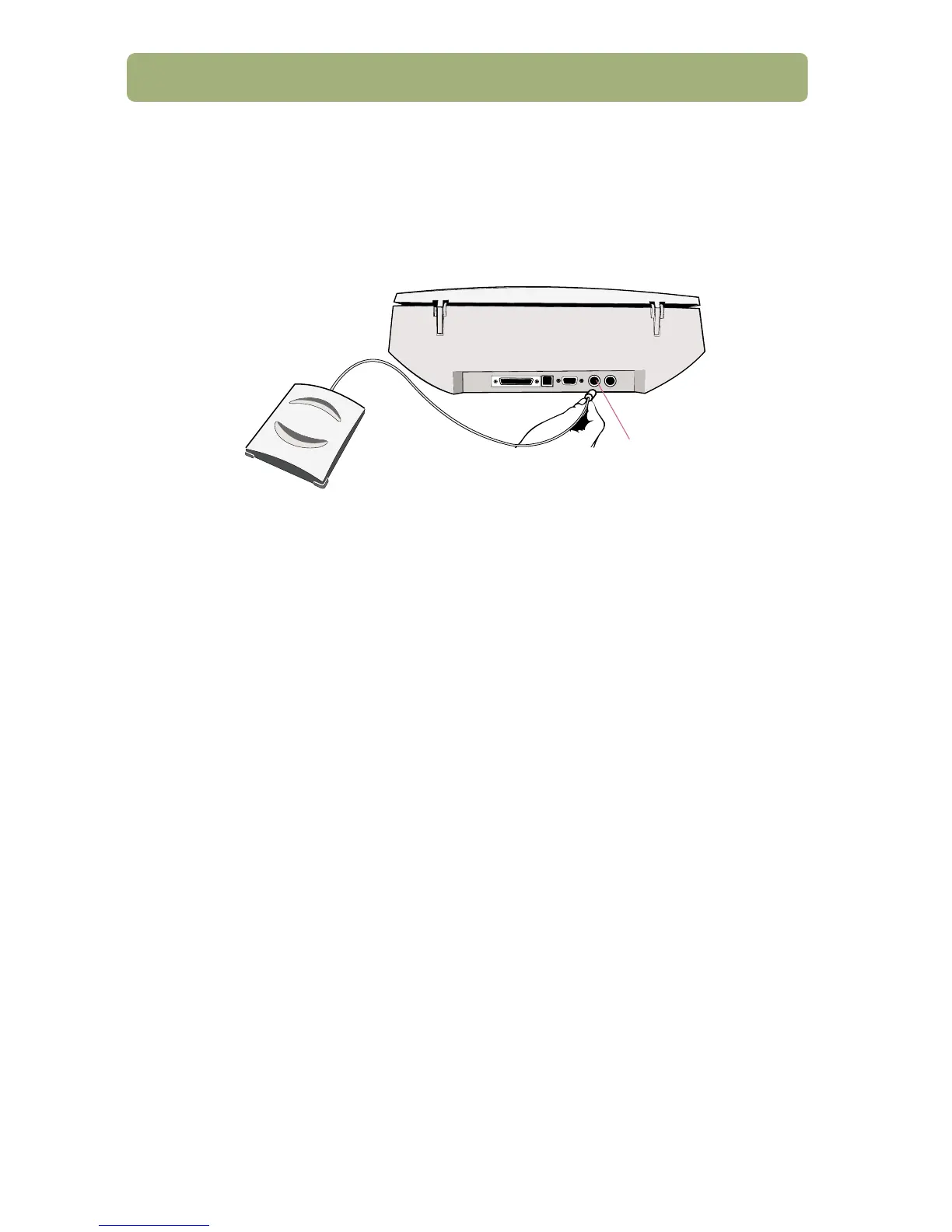
Connect the XPA (optional)
Use the XPA to scan negatives, slides, and other transparent items.
a Connect the XPA cable to its port on the scanner.
b Restart the scanning software.
See “Using accessories” in the HP PrecisionScan Pro Help for usage
instructions.
Find help and support
See these sources:
● View the three-minute product tour when you start the software.
● For installation help, support, and specifications: See more information later
in this guide.
● For tips and information on scanning and optional accessories: Visit the
HP ScanJet website at www.scanjet.hp.com.
● For customer support on the Web, visit www.hp.com/go/support.
XPA port



 To Next Page