Power Requirements
Caution
BEFORE APPLYING AC LINE POWER TO THE HP 81 lOA,
ensure that the correct line fuse is installed in the fuse
holder and t.he correct power cable is fitted.
The HP 8llOA can operate from any single-phase AC
power source supplying 100 240 V in t,he frequency
range from 50 to GO Hz , or 100 - 120 V at 400 Hz. The
maximum power consumption is 300 VA with all options
insaalled.
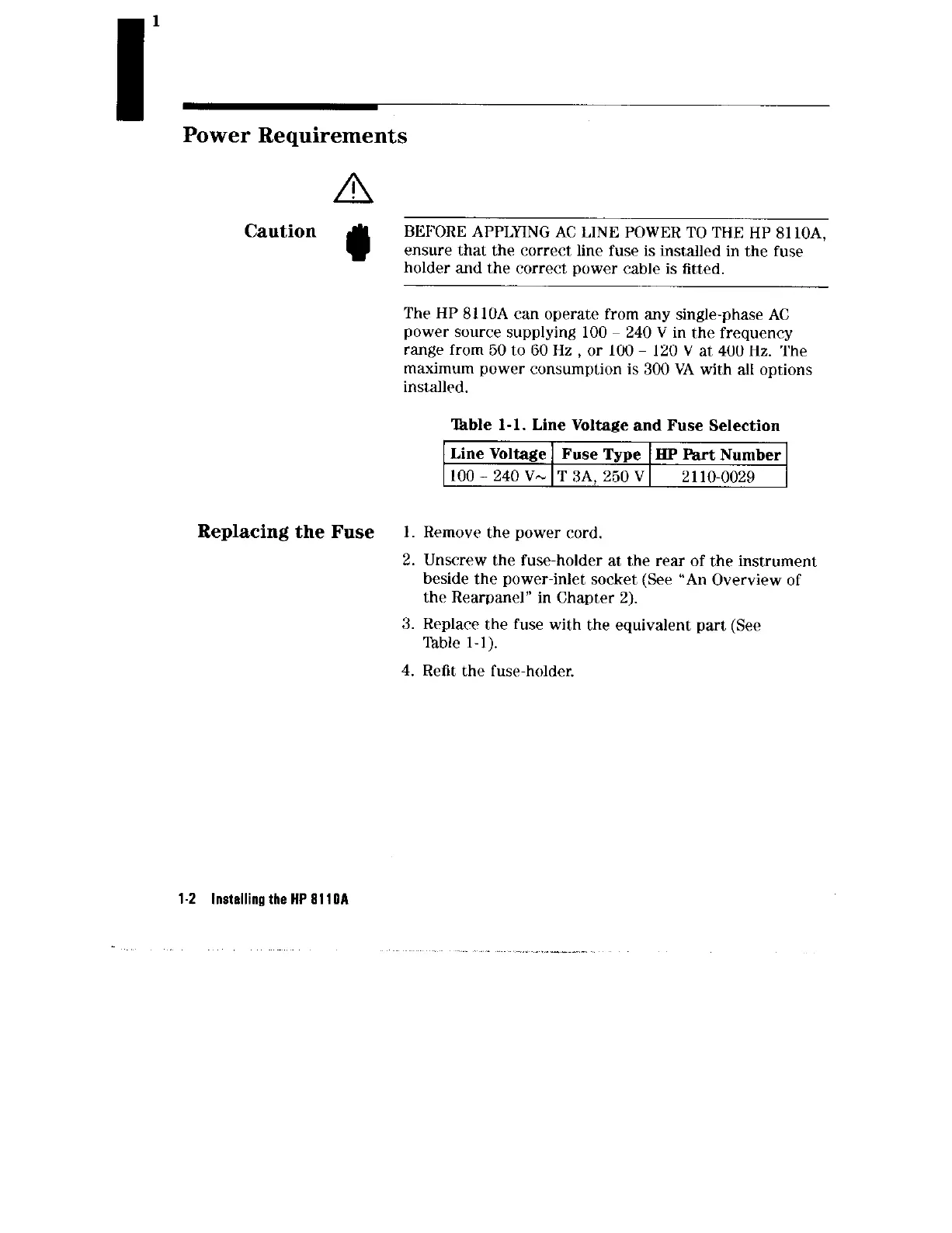
‘able l-l. Line Voltage and Fuse Selection
Line Voltage Fuse Type J3P Part Number
100-240V-IT3A,250VI 2 110-0029
Replacing the Fuse
1. Remove the power cord.
2. Unscrew the fuse-holder at the rear of the instrument
beside the power-inlet socket (See “An Overview of
the Rearpanel” in Chapter 2).
3. Replace the fuse with the equivalent part (See
Table l-l).
4. Refit the fuse-holder.
1.2
Installing the HP 8110A



 To Next Page