If
Y
ou
are
Using
a
Color
Printer
1.
Press
N
N
N
N
N
NN
NN
NN
NN
NN
NN
NN
N
N
N
N
N
N
N
N
N
N
N
NN
NN
NN
NN
PRINT
COLORS
.
2.
If you
want to
modify the
print
colors
,
select
the
print
element
and
then
choose
an
available
color
.
Note
Y
ou
can
set
all
the
print
elements to
black to
create a
hardcopy in
black
and
white
.
Since
the
media
color
is
white or
clear,
you could
set
a
print
element
to
white
if
you
do
not
want
that
element to
appear on
your hardcopy
.
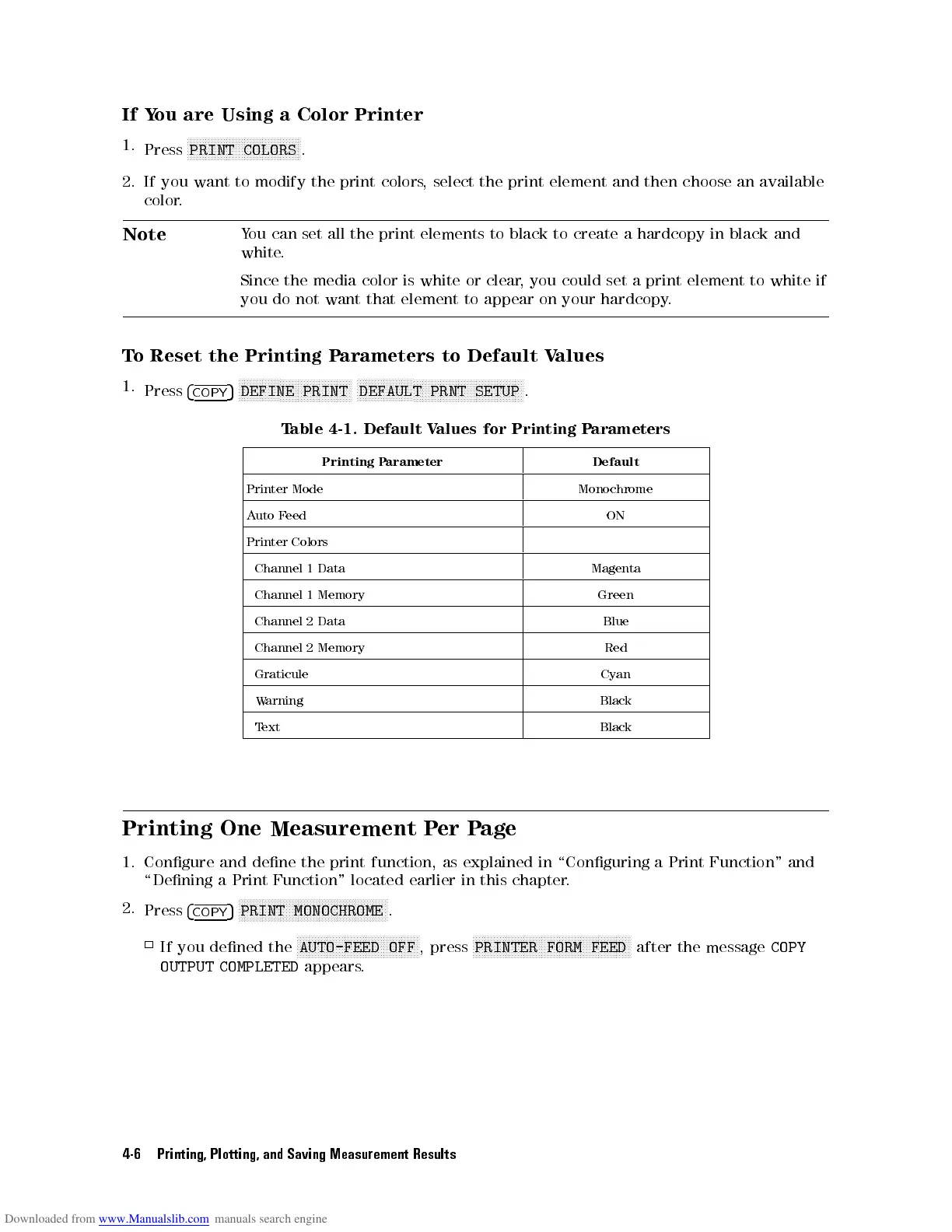
To
Reset the
Printing
P
arameters
to
Default
V
alues
1.
Press
4
COPY
5
N
NN
N
N
N
N
N
N
N
N
N
N
N
N
N
N
N
N
N
NN
NN
NN
NN
N
N
N
N
N
N
N
N
N
N
DEFINE
PRINT
N
NN
N
N
N
N
N
N
N
N
N
N
N
N
N
N
N
N
N
NN
NN
NN
NN
N
N
N
N
N
N
N
N
N
N
N
N
N
N
N
N
N
NN
NN
NN
NN
N
N
N
DEFAULT
PRNT
SETUP
.
T
able
4-1.
Default V
alues for
Printing
P
arameters
Printing
P
arameter
Default
Printer
Mode
Monochrome
Auto
F
eed
ON
Printer
Colors
Channel
1
Data
Magenta
Channel
1
Memory
Green
Channel
2
Data
Blue
Channel
2
Memory
Red
Graticule Cyan
W
arning
Black
Text Black
Printing One
Measurement
P
er
P
age
1. Congure and dene the print function, as explained in \Conguring a Print Function" and
\Dening
a Print Function" located earlier in this chapter
.
2.
Press
4
COPY
5
NNNNNNNNNNNNNNNNNNNNN
NNNNNNNNNNNNNNNNNNNNNNNNN
NNNN
PRINT MONOCHROME
.
If you dened the
NNNNNNNNNNNNNNNN
NNNNNNNNNNNNNNNNNNNNNNNNN
AUTO-FEED OFF
, press
NNNNNNNNNNNNNNNN
NNNNNNNNNNNNNNNNNNNNNNNNN
NNNNNNNNNNNN
PRINTER FORM FEED
after the message
COPY
OUTPUT COMPLETED
appears.
4-6 Printing, Plotting, and Saving Measurement Results



 To Next Page