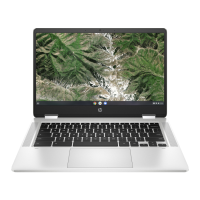
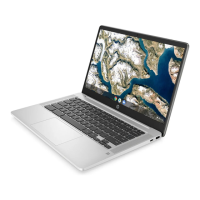
15. Remove the display back cover by following these steps:
a. Remove the two Phillips M2.0×2.5 screws (1) that secure the display bracket to
the display back cover.
b. Remove the display bracket (2) from the display back cover.
The display bracket is available using spare part number L90417-001.
c. Remove the two Phillips M2.0×3.8 screws (3) that secure the display back cover to the display hinges.
d. Remove the six Phillips M2.5×3.0 broad head screws (4) that secure the display back cover to
the display hinges.
Component replacement procedures 43



 To Next Page
 Loading...