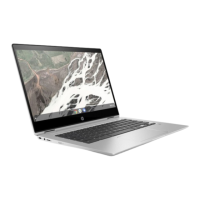
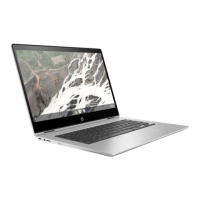
19. Remove the display hinges by following these steps:
a. Remove the four Phillips M2.5×4.7 screws that secure the display hinges to the bottom cover.
b. Rock the left hinge (1) back and forth until it releases from the bottom cover.
c. Remove the left hinge (2).
d. Rock the right hinge (1) back and forth until it releases from the bottom cover.
Component replacement procedures 47



 To Next Page
 Loading...