Getting Started Guide 7
Chapter 1: Getting to know your computer
5
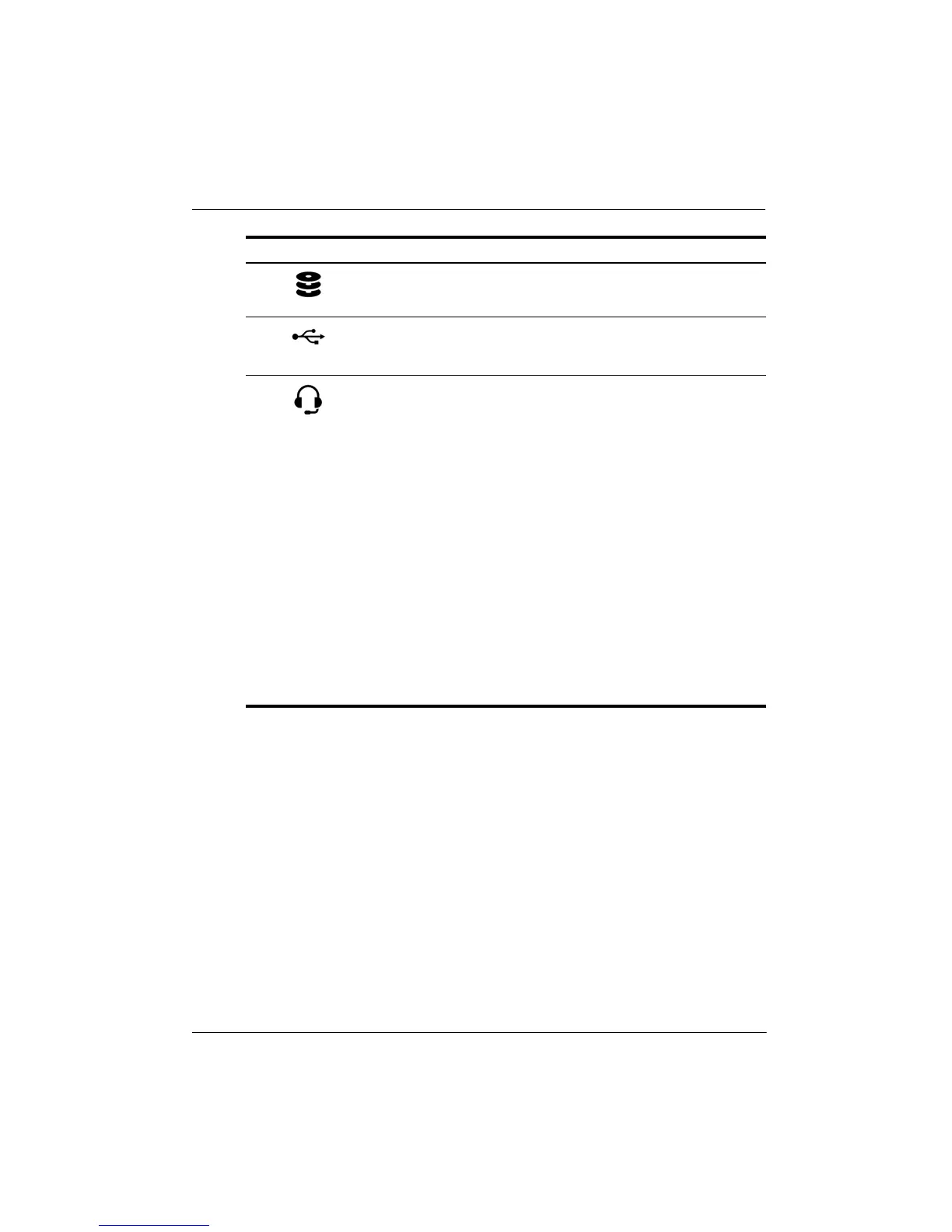
Drive light Blinking white: The hard drive or flash
drive is being accessed.
6
USB port Connects an optional USB device.
7
Audio-out (headphone)
jack/Audio-in (microphone)
jack
Connects optional powered stereo
speakers, headphones, earbuds, a
headset, or television audio. Also
connects an optional headset
microphone.
Å
WARNING: To reduce the risk of
personal injury, adjust the volume
before putting on headphones,
earbuds, or a headset. For
additional safety information,
refer to the Regulatory, Safety,
and Environmental Notices.
✎
When a device is connected to
the jack, the computer speakers
are disabled.
✎
The audio component must have
a 4-conductor connector.
Component Description







 To Next Page