2–11
Company confidential. Genie User’s Guide, Edition 2, First Draft. Freeze Status: open
This is the blue on page 2–11 (seq: 53)
This is the black on page 2–11 (seq: 53)
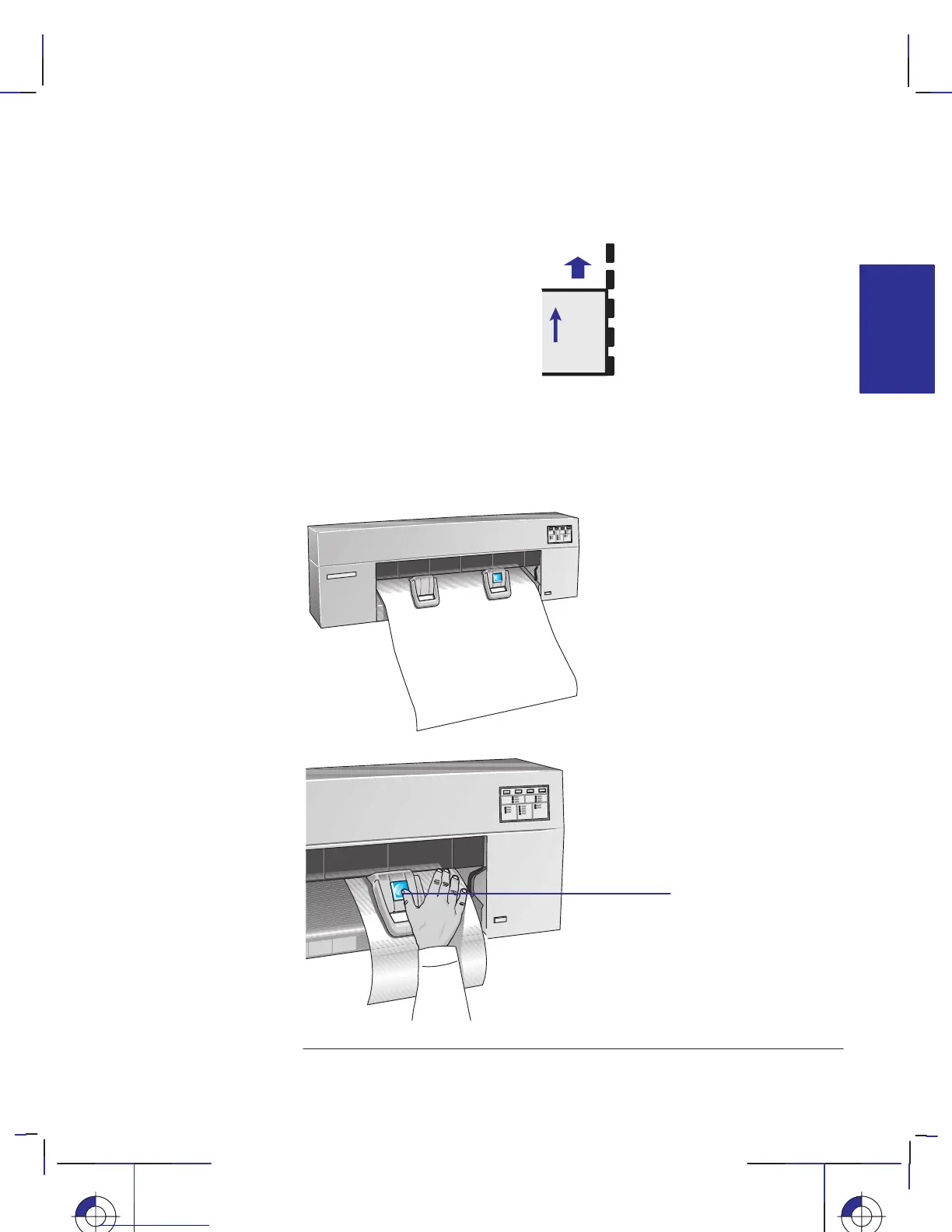
8 Align the right-hand side of the sheet with the dashed line on the printer.
9 Make sure the entire top edge of the sheet—left and right—is placed inside the
entry slot and under the deflectors, especially if the sheet is wider than A- or
A4-size. While keeping the right-hand side aligned with the line of holes, push the
sheet up into the entry slot with both hands, until you feel resistance from the
grip-rollers inside the printer.
10 Using your right thumb, press the Load Media button.
load media
button
Working with media
Loading sheet media
MEDIA
2
Localization Note.



 To Next Page