Troubleshooting 94
• Server does not boot SmartStart
Possible causes:
• Corrupted operating system
• Hard drive subsystem problem
• Incorrect boot order setting in RBSU
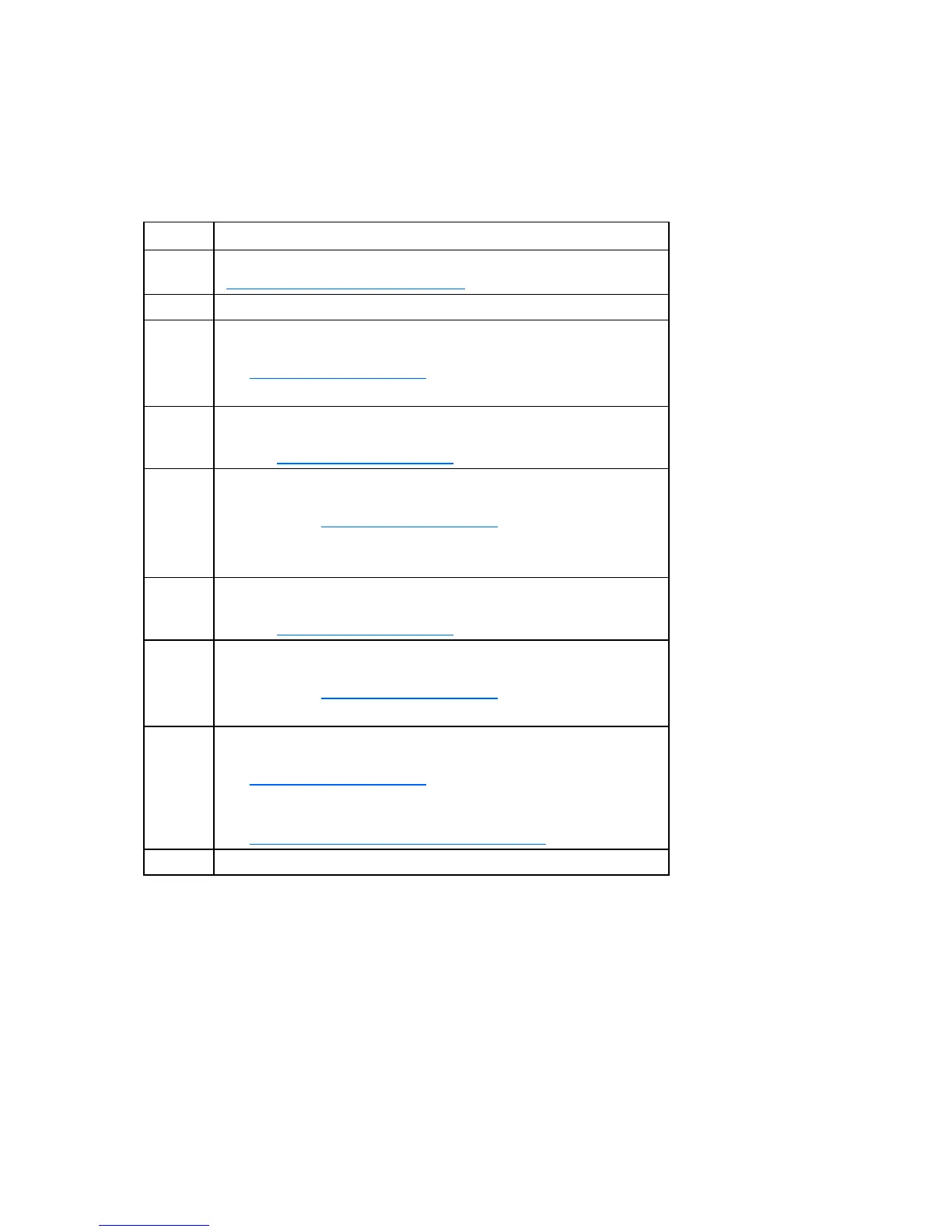
Item Refer to
1 HP ROM-Based Setup Utility User Guide
(http://www.hp.com/servers/smartstart
)
2 "POST problems flowchart (on page 92)"
3
"Hard drive problems" in the HP ProLiant Servers Troubleshooting
Guide located on the Documentation CD or on the HP website
(http://www.hp.com/support
)
Controller documentation
4 "HP Insight Diagnostics (on page 78)" or in the HP ProLiant Servers
Troubleshooting Guide located on the Documentation CD or on the HP
website (http://www.hp.com/support
)
5
"CD-ROM and DVD drive problems" in the HP ProLiant Servers
Troubleshooting Guide located on the Documentation CD or on the
HP website (http://www.hp.com/support
)
Controller documentation
"Loose connections (on page 85)"
6 "General memory problems are occurring" in the HP ProLiant Servers
Troubleshooting Guide located on the Documentation CD or on the HP
website (http://www.hp.com/support
)
7
"Operating system problems" in the HP ProLiant Servers
Troubleshooting Guide located on the Documentation CD or on the
HP website (http://www.hp.com/support
)
"HP contact information (on page 110)"
8
"Hardware problems" in the HP ProLiant Servers Troubleshooting
Guide located on the Documentation CD or on the HP website
(http://www.hp.com/support
)
Server maintenance and service guide, located on the
Documentation CD or the HP website
(http://www.hp.com/products/servers/platforms
)
9 "General diagnosis flowchart (on page 87)"






 To Next Page