9.
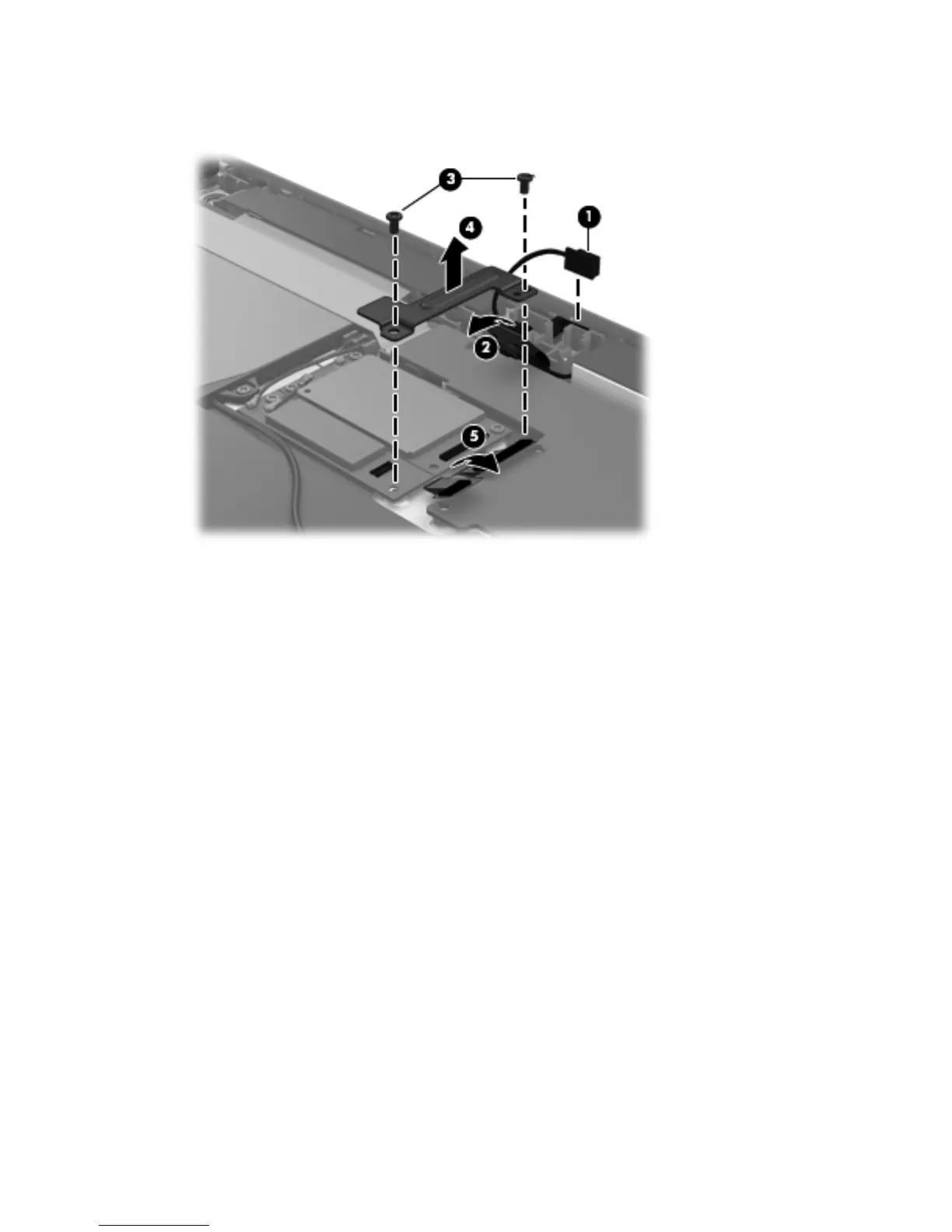
Disconnect the cables (5) that connect the WWAN module and the GPS module to the
system board.
10. Detach the WLAN antenna transceivers (1) from the battery.
11. Release the ZIF connector to which the WLAN ribbon cable is attached, and then disconnect the
WLAN ribbon cable (2) from the WLAN module.
44 Chapter 4 Removal and replacement procedures


 To Next Page