2-2
User Guide
Chapter 2
Installing the print server
• This default procedure involves installing printer drivers and other software and
configuring network parameters. You will use the installation software on either the
CD-ROM supplied with your printer or on the Jetdirect CD-ROM supplied with
your print server, depending on your printer model.
For more details see www.hp.com/support/network-printer-CD.
• For the LPR/LPD (Line Printer Daemon) alternative printing method:
See the LPD topic in the HP Jetdirect Administrator’s Guide.
• For Macintosh setup (MacOS 8.6 or later), read the Jetdirect CD-ROM on a
Macintosh system, select the file Network Printing.htm, and follow the
instructions for setting up network printing.
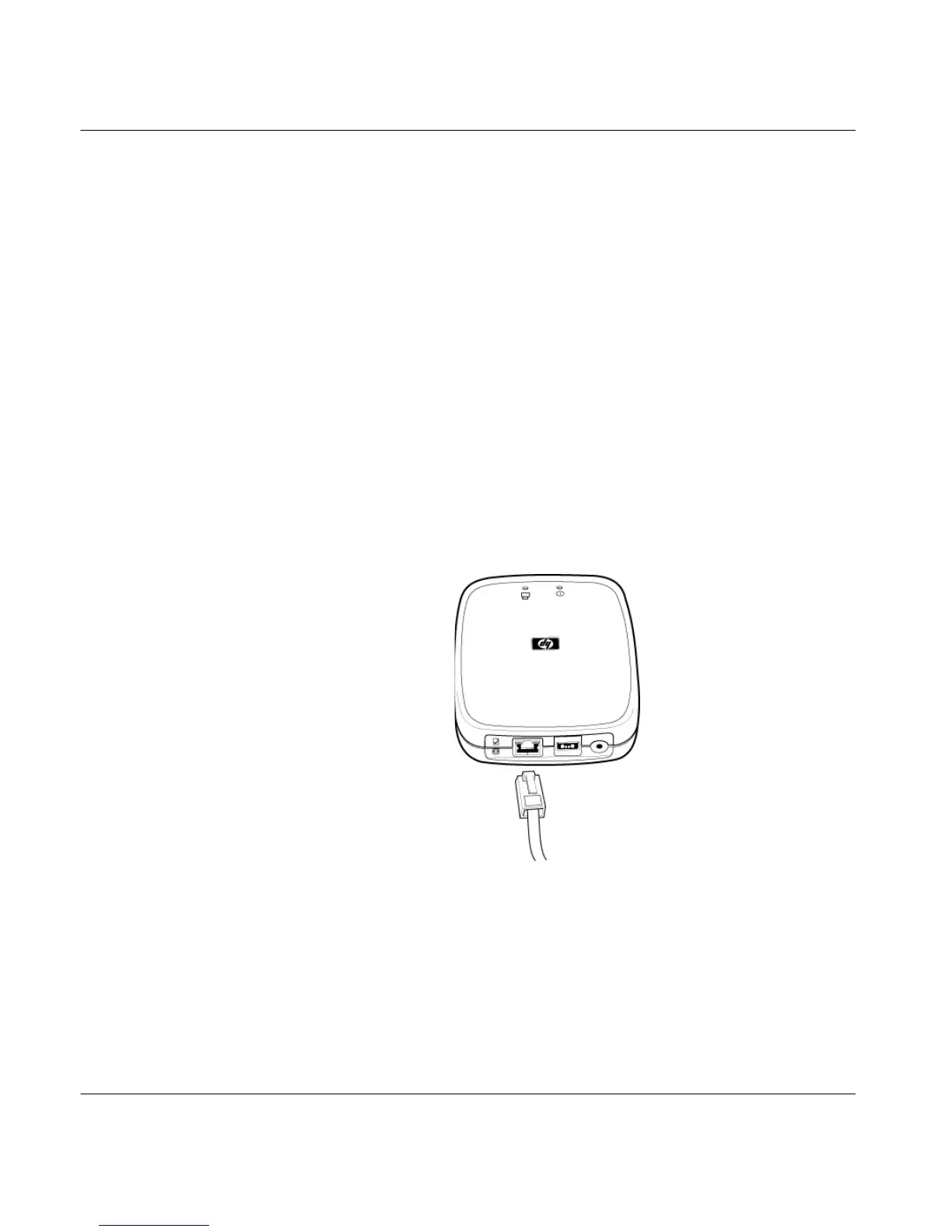
Steps for installing the print server hardware
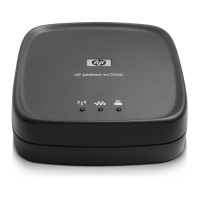
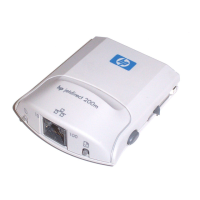
1. Attach the print server to a 10Base-T (Ethernet) or 100Base-TX (Fast Ethernet)
local area network by plugging a network cable into the RJ-45 connector on the
back of the print server.



 To Next Page
 Loading...