19
3.8 Playback Videos and Photos
1.
Press button to enter the OSD menu and select
File Browser
.
2.
Press
/
button to select
Video
,
EMER
, or
Picture
folder and
press
button to enter.
3.
Press
/
button to select
FRONT
,
or
REAR
folder and press
button to enter.
6.
Press
/
button to select the desired file and press
button
to playback.
7.
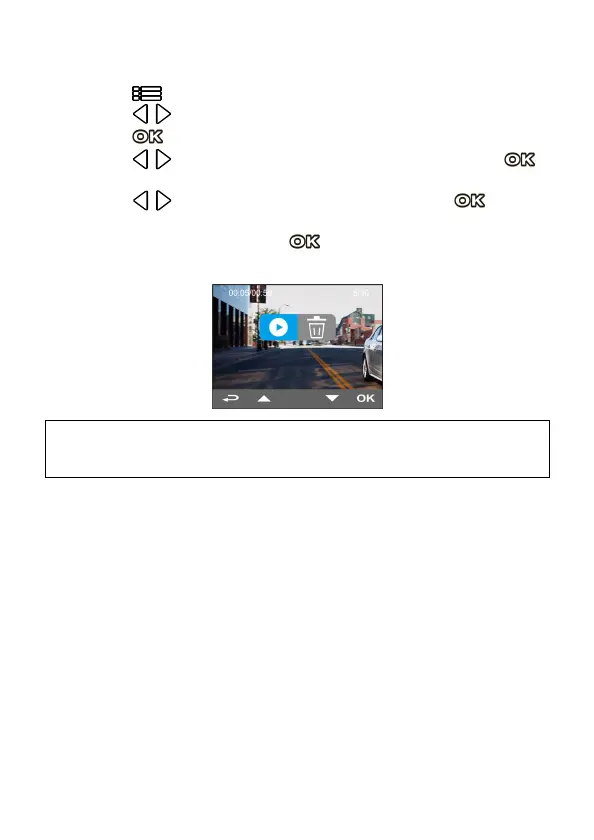
When playback the file, press button will pop up below image.
The file can be deleted if no more needed.
Note:
1. The file cannot be recovered. Make sure you have backup all the files before deletion.
2. Use dual cam recording, no matter you select FRONT or REAR to delete, both files will be
deleted.



 To Next Page