Find the serial and model number
Locate the serial and model numbers before contacting HP Customer Support, particularly if you are
calling for in-warranty support.
View the serial number and model ID by tapping Start > Programs > HP Help and Support > Serial
and Model Number.
You can also find this information next to the battery of your HP iPAQ. To locate the serial number:
1. Remove the battery cover.
2. Locate the label containing the serial number next to the battery.
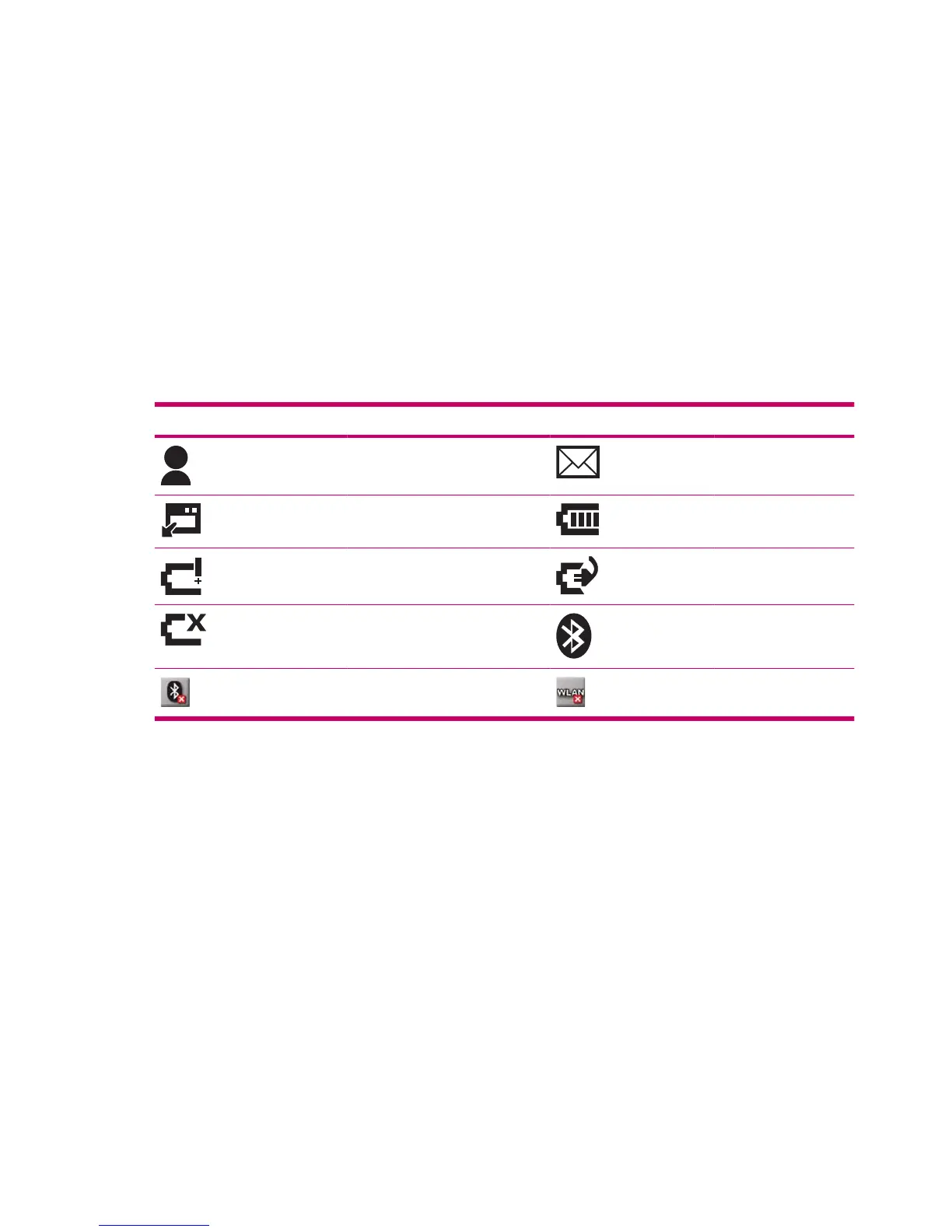
View status icons
The following table lists the common status indicators and their meanings.
Icon Status Icon Status
Instant message received New e-mail
Sync error Battery level
Battery level low Battery charging
No battery or battery fault Bluetooth
Bluetooth off WLAN off
10 Chapter 4 Set up your HP iPAQ












 To Next Page