EasyManua.ls Logo

HP HP-67 - Page 221

HP HP-67
364 pages
Print Icon
To Next Page IconTo Next Page
To Previous Page IconTo Previous Page
Loading...
Controlling
the
I-Register
217
In
practice,
you
will
find
that
you
will
usually
use
(7]
and
with
numbers
that
are
integers,
since
these
instructions
are
most
useful
as
counters—that
is,
to
control
the
number
of
iterations
of
a
loop—
and
to
select
storage
registers,
subroutines,
or
display
settings.
(More
about
using
the
I-register
as
a
selection
register
later.)
The
(decrement
I,
skip
if
zero)
instruction
operates
in
the
same
manner
as
the
increment
instruction,
except
that
it
subtracts,
rather
than
adds,
one
each
time
it
is
used.
When
a
running
program
executes
an
instruction,
for
example,
it
subtracts
1
from
the
contents
of
the
I-register,
then
tests
to
see
if
the
I-register
is
0.
(A
number
between
+1
and
—1
tests
as
zero.)
If
the
number
in
the
I-register
is
greater
than
zero,
execution
continues
with
the
next
step
of
program
memory.
If
the
number
in
the
I-register
is
zero,
the
calculator
skips
one
step
of
program
memory
before
resuming
execution.
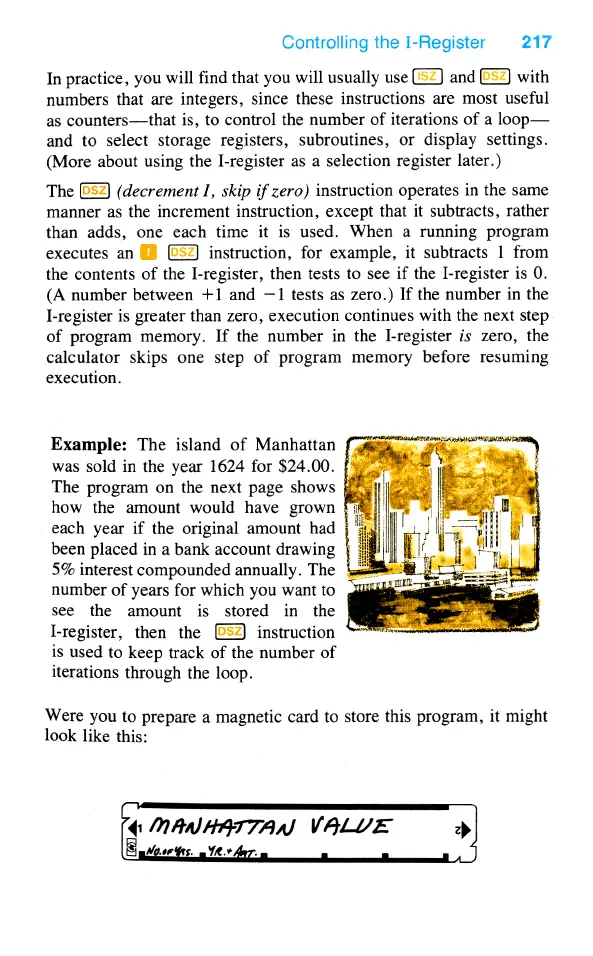
Example:
The
island
of
Manhattan
was
sold
in
the
year
1624
for
$24.00.
{%
The
program
on
the
next
page
shows
&=
how
the
amount
would
have
grown
each
year
if
the
original
amount
had
been
placed
in
a
bank
account
drawing
5%
interest
compounded
annually.
The
!
number
of
years
for
which
you
want
to
see
the
amount
is
stored
in
the
I-register,
then
the
instruction
is
used
to
keep
track
of
the
number
of
iterations
through
the
loop.
Were
you
to
prepare
a
magnetic
card
to
store
this
program,
it
might
look
like
this:
{1
mAnN
/7‘79'77;‘7/(/
VALLVE
)

Table of Contents