5 Power on and set up the Travel
Companion
Set up the Travel Companion
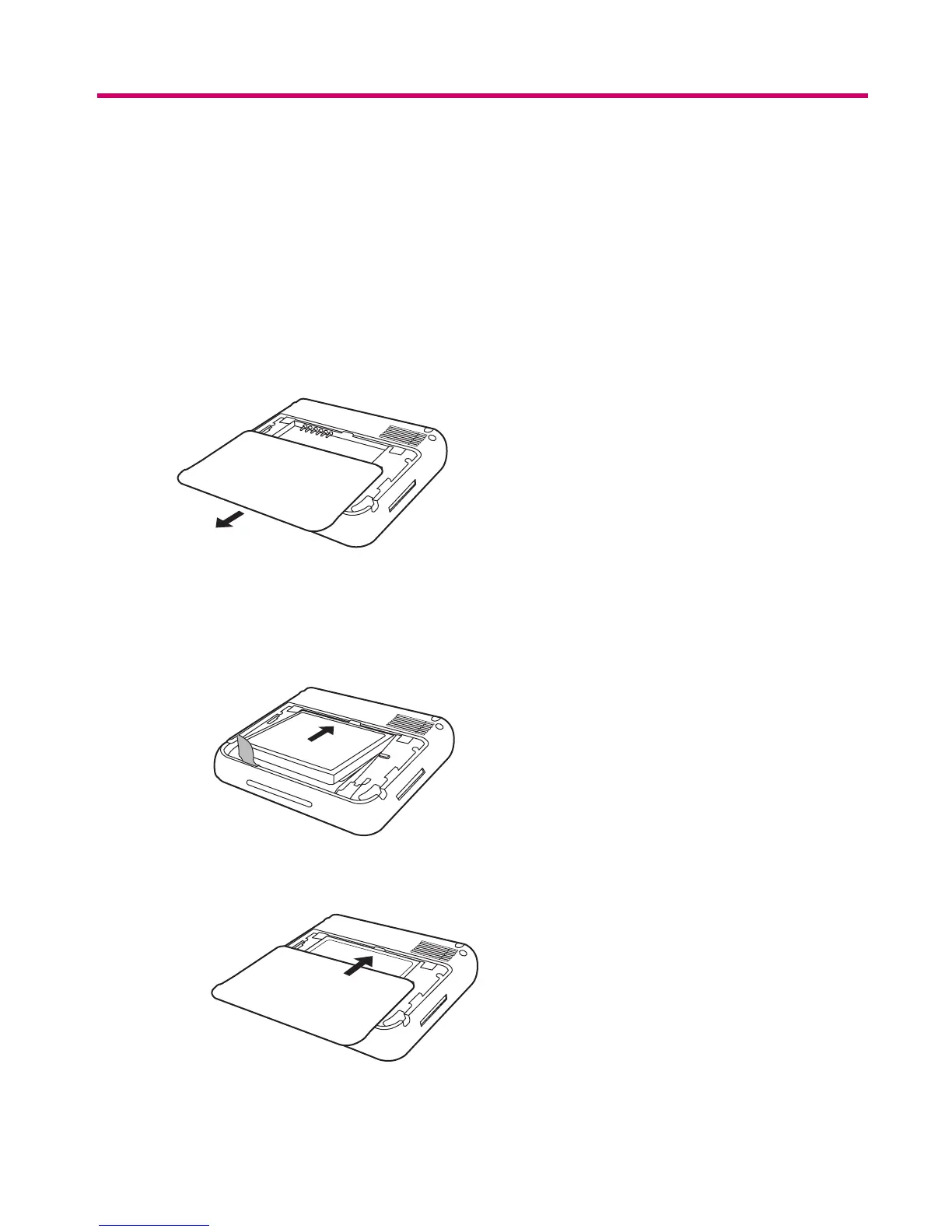
Step 1: Remove the battery cover
Slide the back cover down and away from the Travel Companion.
Step 2: Install the battery and replace the battery cover
1. Align the battery connectors on the battery with the housing pins in the battery compartment and
insert the battery.
2. Slide the battery cover until it clicks into place.
Set up the Travel Companion 7



 To Next Page