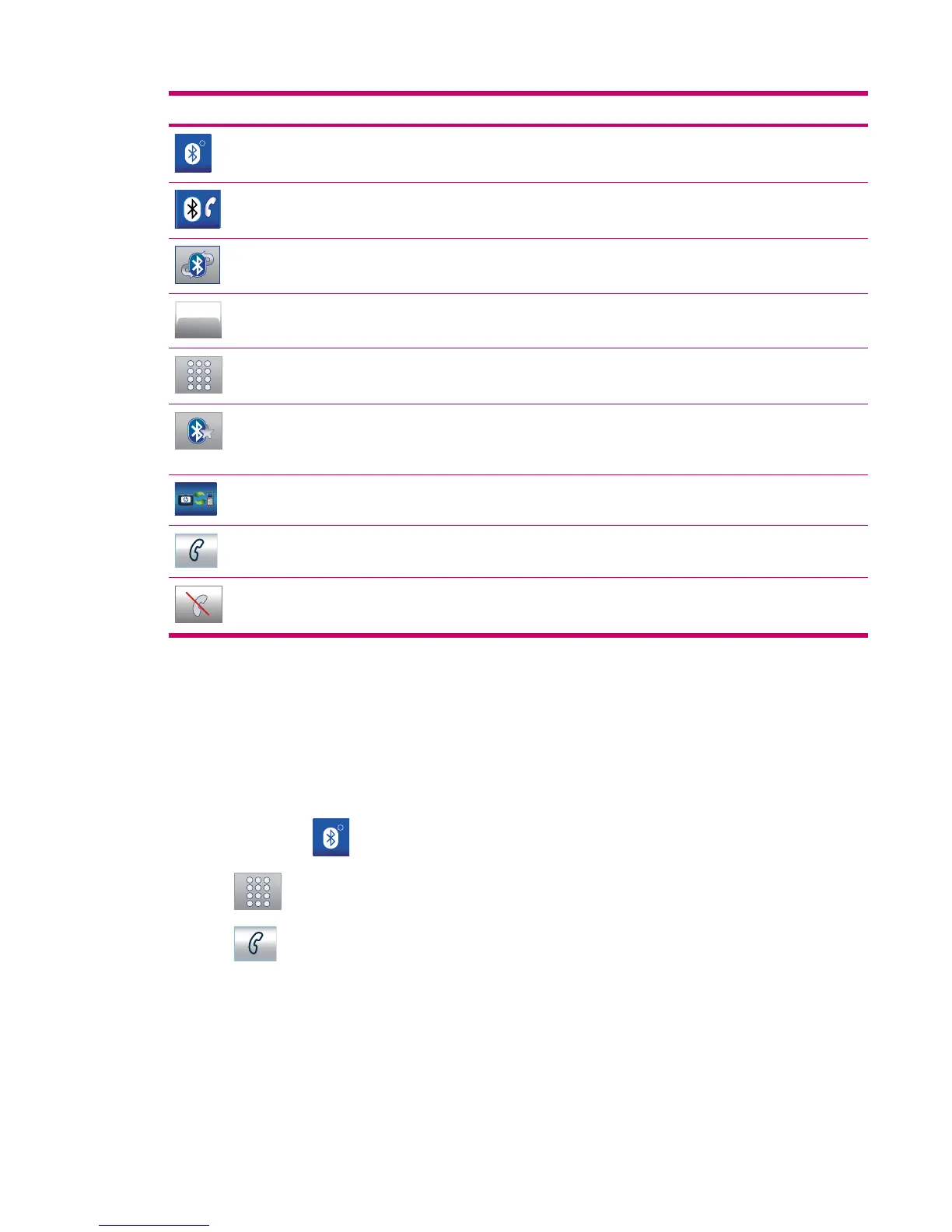
Buttons Function
R
Tap to launch the Bluetooth application
Tap to set your Bluetooth preferences
Tap to enable automatic transfer of incoming calls
Tap to view more information on Bluetooth
Tap to dial a phone number
Tap to view a list of previous connect attempts
NOTE: My Shortcuts menu contains devices you have
previously paired with your Travel Companion for easy access.
Tap to initiate pairing from your mobile phone
Tap to initiate a call
Tap to end a call
Make a call
You can make calls using the phone feature, contacts, or POI.
Use phone dialer
To make calls using the phone dialer:
1.
Tap Settings >
R
.
2.
Tap
to enter a phone number.
3.
Tap
to initiate a call.
Make a call 41



 To Next Page