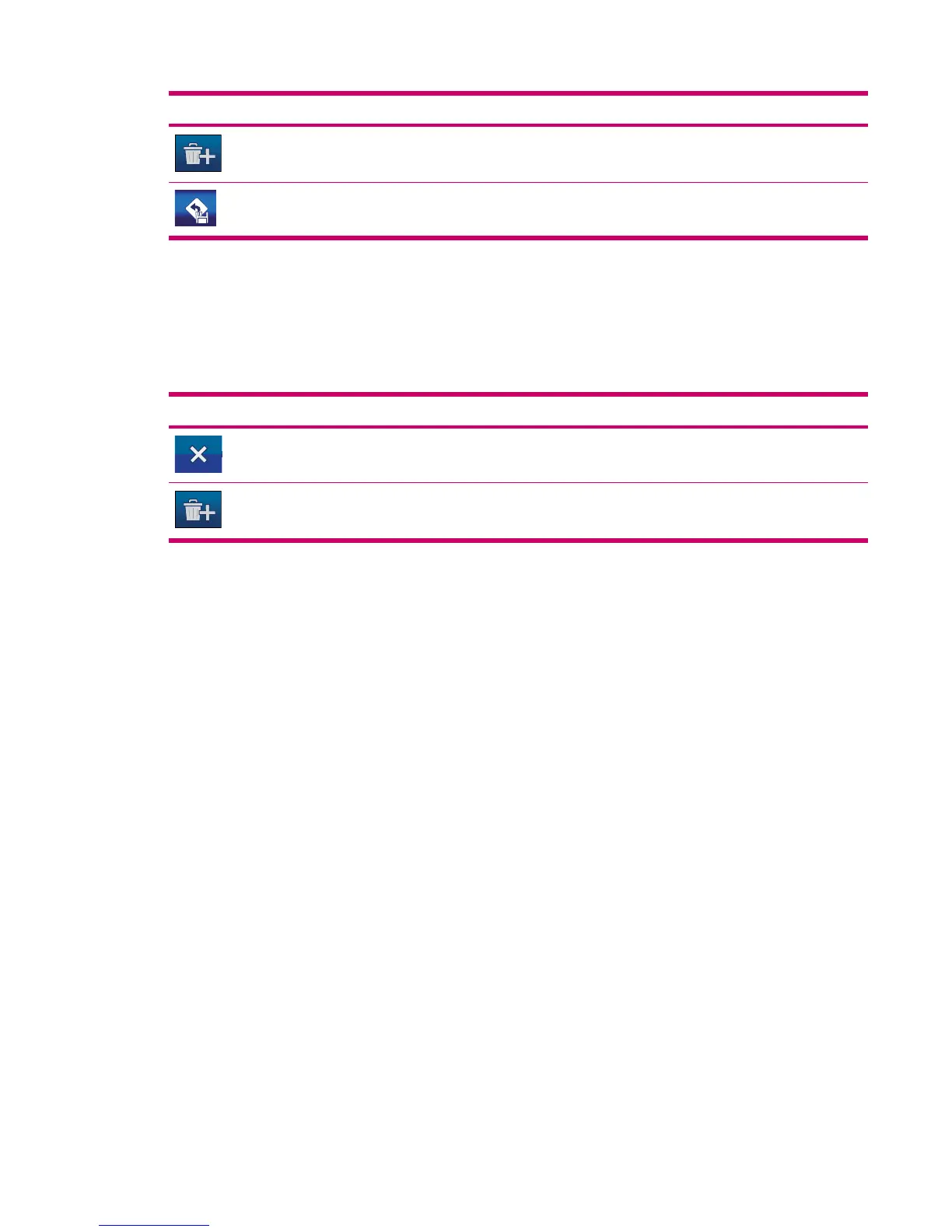
Buttons Function
Deletes all route events. The whole route is deleted.
Saves the route.
Saved Routes
This function opens the list of saved routes.
All significant junctions are displayed in the list, even the ones that have still to be passed. Tap any of
the list items to change its name. Other available functions on this screen:
Buttons Function
Deletes the route it is displayed next to.
Deletes all saved routes.
Route Info
The Route Information screen has all the data and some functions that you might need while
navigating. Without an active route some icons are inactive, and route data cannot be displayed.
Route data displayed (for destination and Via points)
The route data displays information about the current route. These fields are continuously updated while
you keep this screen open.
Saved Routes 51



 To Next Page